Is a Smart Home Hub Still Worth It in 2026?
Why Does a Smart Home Hub Still Matter in 2026?
A smart home hub is not just a small box for switching lights on and off anymore. In a working Smart Home setup, it is the part that helps devices talk to each other, run rules, and keep basic tasks moving when your phone is not in your hand. Parks Associates reported in August 2025 that roughly 13 million new U.S. internet households entered the smart home market since 2020, bringing the base of smart home device owners to 54 million households. That kind of growth matters because busier homes need better control, not five more apps on the screen. (prnewswire.com)
Local Control Keeps Basic Tasks Fast
Local control means a routine can run inside the home instead of waiting for a cloud server. A hallway motion sensor can turn on a light at 2 a.m. without depending on internet traffic. That short delay may not look important on paper, but it matters when someone is carrying laundry, coming in from the rain, or trying not to wake a child. A hub with local routines may look less exciting than a voice assistant, but it often feels better because the home reacts when it should.
Mixed Devices Need One Coordinator
Most homes end up with a mixed device list. You may have Wi-Fi bulbs, a Zigbee plug, a Thread lock, and an older Z-Wave sensor that still works well. Replacing all of them just to stay with one brand costs money and creates waste. A good hub works as the coordinator, so those products can still be used in one routine, such as locking the door, turning off downstairs lights, and lowering the thermostat at night.
Automations Become Easier to Trust
A routine should not feel like a small engineering job. You want the lights to turn on when the garage opens after sunset, not every time a delivery truck passes the driveway. A hub lets you set rules with conditions, device states, and time windows. It is not magic; it is just cleaner logic, and after a few weeks the best smart home routines become something you stop thinking about.
How Is a Smart Home Hub Different From a Phone App?
A phone app is useful, but it does not do the same job as a hub. The app is usually a remote control, while the hub stays in the home, listens to device signals, stores rules, and runs scenes even if your phone battery is dead. This difference becomes clear once the home has more than five or six connected products.
A Phone App Is a Remote
Apps are good for setup, quick checks, and manual control. They let you see whether a lock is closed, adjust a thermostat, or test a camera. But an app usually waits for a person to tap something. If the goal is automation, the app should not be the brain; it should be the control you use when you need to step in.
A Hub Is the Coordinator
A hub sits between devices and rules. It can watch a door sensor, check the time, see whether anyone is home, and then start the right scene. That is the difference between a pile of nice gadgets and a home that behaves in a steady way. In daily use, this is where small details matter, such as not turning on the bedroom lamp when someone opens the door in daylight.
One Dashboard Cuts Daily Friction
Too many apps create small problems that build up over time. One app controls lights, another controls locks, another handles plugs, and another manages the thermostat. It may not bother you on the first day, but it gets old when a guest asks how to turn off a lamp. A hub with a clear dashboard gives people fewer places to look, and that saves real time in normal use.
Which Protocols Should Your Smart Home Hub Support?
Protocol support is not the exciting part of buying a hub, but it is where many wrong purchases happen. The right hub should support the radios and standards your devices use now, and it should also cover the products you are likely to buy next. Matter, Thread, Zigbee, Z-Wave, Wi-Fi, and Bluetooth all appear on product boxes, but they are not the same thing.
Matter Helps With Cross-Brand Control
Matter matters because it is designed to reduce platform lock-in. The Connectivity Standards Alliance released Matter 1.6 on June 17, 2026, with changes such as NFC-based commissioning, Joint Fabric for multi-ecosystem device sharing, thermostat suggestions, and better device capability reporting. The useful point for buyers is simple: Matter keeps moving toward easier setup and better cross-platform control, but support still depends on each brand’s own release schedule. Check the actual product page before assuming every feature is ready. (csa-iot.org)
Thread Fits Battery Sensors and Locks
Thread is a low-power mesh network made for home devices such as sensors, locks, lighting, climate products, and safety gear. The Thread Group says Thread carries IPv6 natively, has no single point of failure, and can connect more than 250 devices in a low-power wireless mesh network. For a buyer, this means a Thread border router inside a hub can be useful when small battery devices are spread across several rooms. It is especially worth checking if locks and sensors are part of the plan. (threadgroup.org)
Zigbee and Z-Wave Still Have Value
New standards get most of the attention, but older smart home networks still do real work. Zigbee bulbs, plugs, buttons, and sensors are still common in many homes. Z-Wave is still used for locks, switches, and security sensors, especially in North American homes. If you already own those products, a hub that supports them can be a better buy than a newer controller that only lists Wi-Fi and Matter.
What Features Make a Smart Home Hub Worth Buying?
A smart home hub is worth buying when it solves problems you can point to in daily use. Do not buy one only because the product page says it is powerful. Look for features that fit your rooms, devices, and habits. A small apartment with six Wi-Fi bulbs does not need the same hub as a two-story house with locks, sensors, switches, and thermostats.
Local Automation Engine
Check whether the hub can run routines locally. Some hubs keep rules in the cloud, while others keep key automations inside the home. For lights, plugs, motion sensors, and door triggers, local operation usually feels quicker and more stable. It also helps when the internet drops but the router and hub still have power, because the porch light should not depend on a broadband provider having a good evening.
Backup and Migration Tools
Backups sound boring until a hub fails. At that point, they become the feature people wish they had checked first. A hub that can back up device lists, automations, room names, and settings gives you a safer path when hardware breaks or when you upgrade. For a home with 30 or 40 devices, rebuilding everything by hand can take a full weekend, and nobody buys smart gear to spend Saturday renaming sensors.
Clear Device Capacity and Radio Placement
Device capacity matters more than marketing language. Look for clear limits, including supported device count, radio type, and whether the hub should be near the center of the home. Concrete walls, metal panels, large mirrors, and utility rooms can weaken signals. Put the hub in an open area when possible, because hiding it behind a TV cabinet may look neat but can hurt mesh performance. See also: Gadgets.
Can a Smart Home Hub Help With Energy and Safety?
A hub does not save energy just by sitting on a shelf. It helps when it connects data, timing, and action. Energy and safety are the use cases where smart homes become more than convenience. They can reduce waste, remind people, and catch small issues before they turn into costly repairs.
Thermostat Automations With Real Savings Data
ENERGY STAR says certified smart thermostats save about 8% of heating and cooling bills on average, or roughly $50 per year, based on real-world field data and third-party certification. A hub can build on that by linking thermostat settings with occupancy sensors, door sensors, and time-based routines. The point is not that every home will save the same amount. The point is that smart control works better when comfort rules match how people actually live. (energystar.gov)
Sensors That Catch Small Problems
Water sensors near a washing machine, contact sensors on a freezer door, and smoke or CO alarms linked to phone alerts can make a hub feel very useful. These devices are not exciting to talk about, but people remember them after a leak, a door left open, or a false alarm. If the hub can trigger a siren, flash lights, and send a notice at the same time, it gives the user more time to respond. That is a practical benefit, not a nice-to-have feature.
Smarter Alerts Without a Noisy House
Too many alerts teach people to ignore them. A good hub lets you cut down the noise. A back door opening at 4 p.m. may be normal, while the same door opening at 2 a.m. should trigger a stronger response. Rules based on time, presence, and device state make alerts less irritating, so the alerts that remain carry more weight.
How Should You Choose the Right Smart Home Hub?
The right hub is the one that fits your devices, skill level, and patience for setup work. Some people want a polished app and simple routines. Others want deeper rules, dashboards, and local scripts. Both needs are valid. The wrong move is buying a hub that expects you to manage a system you do not want to manage.
Start With Your Current Devices
List your current devices before comparing hubs. Write down the brand, protocol, and the routines you want to run. If the home is mostly Wi-Fi lights and speakers, a platform controller with Matter support may be enough. If you have Zigbee sensors, Z-Wave locks, and Thread accessories, choose a hub that can bridge them cleanly, because shopping from a device list is safer than shopping from hype.
Match the Hub to Your Skill Level
Some hubs are easy to use but have fewer options. Others are flexible but need more setup time. If you like tuning rules and dashboards, advanced systems can be worth the work. If you just want the entry light to turn on when you arrive, choose something simpler, because a steady five-rule setup is better than a fragile fifty-rule setup that breaks every month.
Check Security Support Before Price
Security should be part of the buying decision, not something checked later. The FCC adopted a voluntary cybersecurity labeling program for wireless consumer IoT products, with a U.S. Cyber Trust Mark and a QR code that points buyers to product security information. Before buying a hub, check update history, account protection, local access options, and how long the maker says it will support the product. A cheap hub with abandoned software does not stay cheap for long. (docs.fcc.gov)
FAQ
Q1: Do You Need a Smart Home Hub if You Use Matter? A: Not always. Some Matter devices work through phones, speakers, or platform controllers. You may still want a hub if you need Thread border router support, local routines, mixed-protocol devices, or one place for advanced automation.
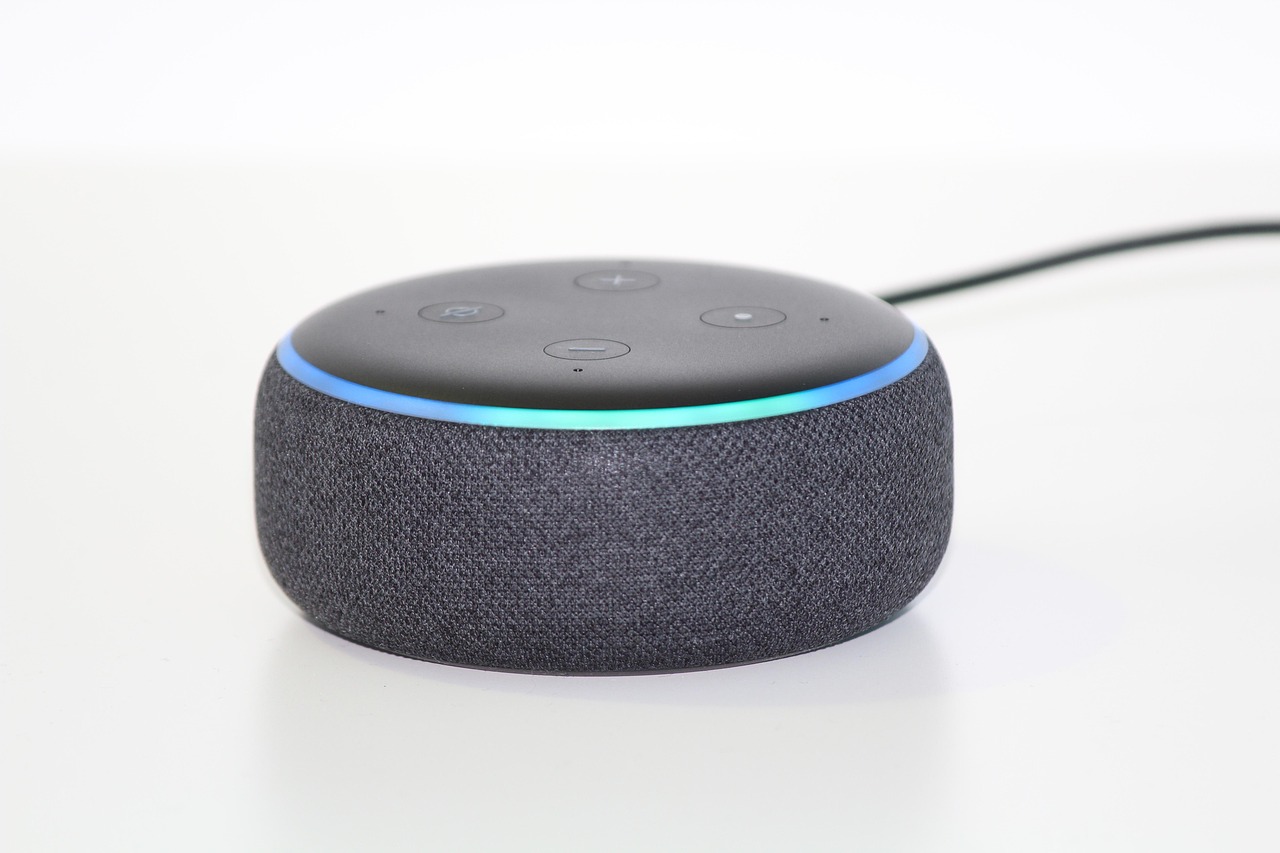
Q2: Is a Smart Home Hub Better Than a Smart Speaker? A: A smart speaker is often better for voice control. A hub is usually better for device coordination, local rules, and protocol support. Many homes use both because they solve different jobs.
Q3: Can One Hub Control Every Smart Home Device? A: No hub controls everything. Device support depends on protocol, certification, brand rules, and software updates. Check the hub’s compatibility list before buying, especially for locks, cameras, alarms, and older sensors.
Q4: Where Should You Place a Smart Home Hub? A: Put it in an open, central spot when possible. Avoid metal cabinets, crowded media consoles, thick walls, and corners far from battery sensors. Better placement often fixes problems that look like device defects.
Q5: What Is the Biggest Mistake When Buying a Smart Home Hub? A: The biggest mistake is buying for future promises instead of current support. Choose a hub that works with your devices today, receives steady updates, and matches the amount of setup time you really want to spend.