Is a Smart Home System Worth It for Everyday Homes in 2026?
A smart home system is worth buying when it takes small daily jobs off your hands and does not make the house harder to use. A workable setup brings lights, climate, security, sensors, and voice or app control into routines people can follow. If you are comparing products for a connected home, the Smart Home section is a helpful place to start. Parks Associates data shared by the Fiber Broadband Association in January 2025 said the average U.S. internet household had about 17 connected devices, and about 45% of U.S. internet households owned at least one smart home device. That is the real market picture: smart home is no longer only a hobby area for tech fans. (fiberbroadband.org)
The main question is not whether smart devices are popular. It is whether your system still feels simple after you add the tenth device. A useful smart home should cut taps, reduce waste, and give you better control when you are busy, tired, or away from home.
One App for Daily Control
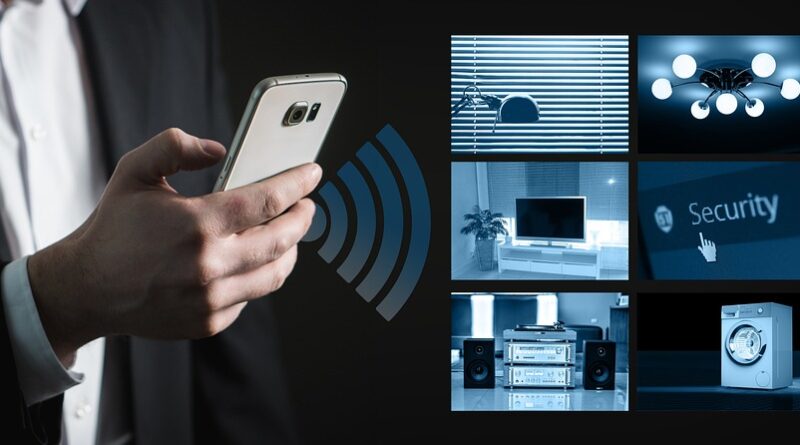
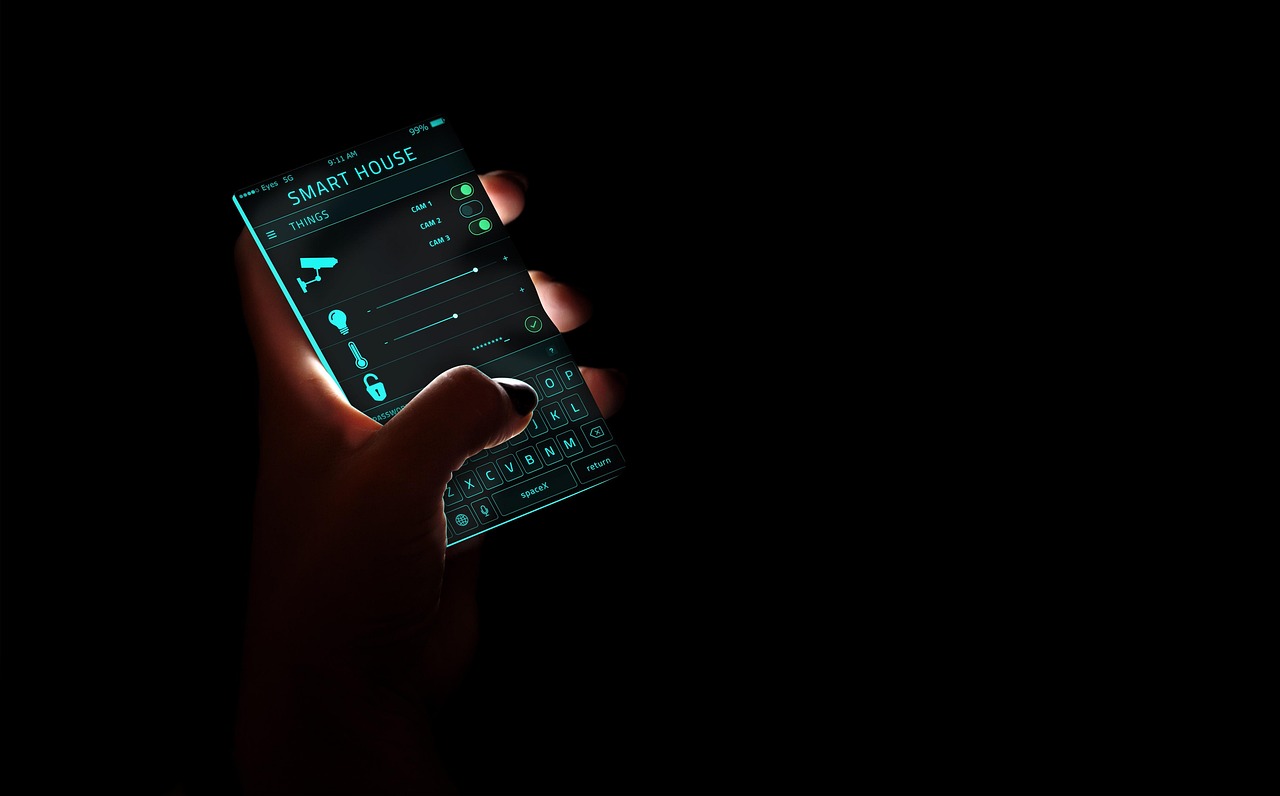
A good system gives you one main place to handle common actions. You should not need four apps just to turn off downstairs lights, check a camera, and lower the thermostat. In a normal evening routine, one scene can dim the living room, lock the door, and set the hallway lights to 20%. It sounds simple, and that is the point, because simple functions are the ones people use every day.
Real Help in the Rooms You Use Most
Start with rooms where habits repeat. Kitchens often benefit from under-cabinet lighting and leak sensors. Bedrooms benefit from quiet lighting scenes and temperature schedules. Entryways benefit from smart locks, contact sensors, and a camera with clear notification settings. Small wins matter because they remove small annoyances. Nobody wants a house that feels like a control panel.
A Setup That Can Grow
Your first setup should leave room for later upgrades. A smart home system might begin with five devices, then grow to twenty after you add a thermostat, shades, sensors, and outdoor lighting. Choose platforms that support common standards, clear account transfer, and long software support. Low-price devices can still work, but abandoned apps will cause trouble.
What Should a Smart Home System Include First?
The right first devices depend on your home, but most good systems start with control, lighting, climate, and safety. Buying everything at once may feel exciting for one weekend. After that, setup, naming, Wi-Fi passwords, and notifications can get messy fast.
A Reliable Hub or Control App
The hub or control app is the working center of the system. It can be a dedicated hub, a smart speaker, a display, a phone app, or a local home controller. The key point is consistency. If the platform supports shared household access, room groups, scenes, and device health alerts, it is easier for everyone at home to use. That matters more than a long feature list.
Lighting, Plugs, and Scenes
Smart lights and plugs are usually the easiest place to start. They are low risk, easy to move, and useful in rented homes. Try a simple morning scene, a movie scene, and an away scene. If a lamp sits behind a sofa and nobody wants to bend down to switch it off, a smart plug is not a toy. It is just useful. That kind of use case is easy for the whole household to understand.
Thermostat, Sensors, and Security Devices
Climate and safety devices usually bring the clearest day-to-day value. A thermostat can follow your schedule. Door sensors can remind you if the garage is open. A leak sensor under a sink can save a cabinet before it turns into a wet repair job. For cameras, be selective. More cameras do not always mean better security. They can also mean more alerts and more storage decisions.
How Do Matter, Thread, Wi-Fi, and Zigbee Affect Your Setup?
Connection standards decide how well devices talk to each other. This is where many smart home problems start. A bulb may work with one app, a sensor with another, and a camera with a third. Standards do not remove every issue, but they can make mixed-brand homes easier to manage.
Matter for Cross-Brand Control
Matter is a smart home connectivity standard from the Connectivity Standards Alliance. Its goal is easier cross-brand setup and control across major ecosystems. The Alliance announced Matter 1.6 on June 17, 2026, with updates for NFC-based commissioning, multi-ecosystem sharing, thermostat suggestions, and better device status communication. For buyers, the point is plain: Matter is moving toward easier setup and clearer control. Product support still depends on each brand and device type, so the label alone is not enough. (csa-iot.org)
Thread and Zigbee for Low-Power Devices
Thread and Zigbee are common choices for low-power sensors, switches, and battery devices. They are useful when small devices need to run for months or years without constant charging. Thread is often discussed with Matter. Zigbee also remains common in many hubs and lighting systems. Before buying, check whether your controller supports the radio your device needs.
Wi-Fi for Cameras and High-Bandwidth Products
Wi-Fi is still the common choice for cameras, video doorbells, displays, and appliances because these products move more data. The trade-off is network load. A few Wi-Fi cameras are normal in many homes. A dozen cheap cameras on a weak router can slow everything down. If your system keeps dropping devices, do not blame the smart home system first. The router may be the real bottleneck.
Can a Smart Home System Save Energy and Money?
A smart home system can save energy, but it should not be sold as magic. Savings depend on climate, utility prices, insulation, occupancy, and how people use the devices. The best public numbers are usually for one product category, not for a full whole-home setup.
Heating and Cooling Savings
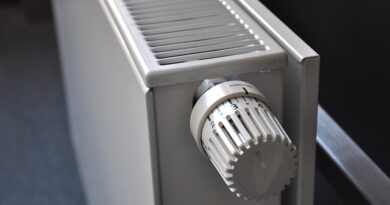
Smart thermostats have the clearest public savings data. ENERGY STAR states that certified smart thermostats save about 8% on heating and cooling bills, or about $50 per year on average. It also notes that savings are based on real-world field data rather than only lab estimates. That is a practical number, not a promise for every home, and payback is strongest where heating or cooling use is meaningful. (energystar.gov)
Small Loads and Lighting Habits
Lighting and smart plugs can reduce waste when they match real habits. A motion sensor in a laundry room may turn off a light people often forget. A smart plug can cut power to a decorative lamp after midnight. These savings are not huge by themselves. They add up in homes where lights and small devices run longer than needed.
Automation That Matches Real Routines
The biggest savings often come from plain routines. Set the thermostat back when the house is empty. Turn off outdoor lights after sunrise. Stop a fan when a window sensor says the window is open. No reliable public source gives one universal payback period for every smart home system, because device mixes and local energy costs vary too much. Treat any one-size-fits-all savings claim with care. See also: Gadgets.
How Safe Is a Smart Home System From Privacy and Cyber Risks?
Smart home safety has two sides: physical safety and data safety. Locks, alarms, cameras, and sensors can help you spot problems faster. At the same time, connected devices collect data, receive updates, and depend on accounts. That makes setup choices important.
Strong Passwords and Two-Step Sign-In
Deloitte’s 2025 Connected Consumer survey, based on 3,524 U.S. consumers in the second quarter of 2025, found that concern about data privacy and security rose from 60% to 70% in one year. It also reported average U.S. household spending of $896 on connected devices in the past year, up from $764 in 2024. More spending and more concern point to the same lesson. Security needs to be part of the buying decision, not something handled after installation. (deloitte.com) (deloitte.com)
Separate Networks for Connected Devices
NIST recommends practical smart home steps such as avoiding reused passwords, using multi-factor authentication, applying automatic updates, checking privacy settings, and considering a separate network for smart home devices. A guest or IoT network keeps cameras and plugs away from laptops that hold banking files, work files, and family photos. This is not a flashy upgrade. It is a sensible setup step that can reduce risk.
(nist.gov)
Updates, Permissions, and Local Control
Before you buy, check whether the brand publishes update policies and gives clear privacy controls. Can you turn off unused features? Can you delete recordings? Can automations work locally if the internet goes down? Local control is useful for lights, locks, and sensors. If a cloud service has a bad day, your hallway switch should still work like a hallway switch. That basic reliability is worth checking before purchase.
How Should You Choose the Right Smart Home System?
Choosing the right smart home system is less about chasing the newest device and more about building a clean base. A slower plan often works better than a large weekend install. Six months later, device names, rooms, and routines should still make sense.
Start With Pain Points, Not Gadgets
List the jobs that annoy you most, then match devices to those jobs. Do you forget the garage door? Add a garage controller or sensor. Do packages sit outside? Consider a video doorbell with careful privacy settings. Do kids leave lights on? Use motion sensors or schedules. A practical buying list may look like this:
- One main controller or app your household can share
- Smart lighting in two or three high-use rooms
- A thermostat if heating and cooling costs are meaningful
- Door, window, leak, or motion sensors for real risk areas
- A router that can handle the number of connected devices
Check Compatibility Before You Buy
Read the product page carefully before checkout. Look for Matter support, supported assistants, required hubs, Wi-Fi band requirements, subscription fees, and whether core features need the cloud. A device that costs $25 more but works cleanly with your setup may be cheaper than a bargain device that takes an entire Saturday to fix.
Plan for Support, Power, and Exit
Battery devices need a replacement routine. Cameras need storage choices. Locks need backup keys or backup power. If you sell the home later, you need a way to transfer or remove accounts. Write down device names, locations, apps, and reset steps. It may feel a bit fussy at the start, but it prevents a lot of confusion later.
FAQ
Q1: Is a Smart Home System Hard to Install? A: It can be simple if you start small. Begin with lights, plugs, or a thermostat, then add sensors and security devices after the main app feels familiar.
Q2: Does Every Smart Home System Need a Hub? A: Not every system needs a separate hub. Some devices use Wi-Fi and an app, while Thread, Zigbee, and some Matter devices may need a compatible controller or border router.
Q3: What Is the Best First Device to Buy? A: For many homes, smart lighting or a smart thermostat is the best first choice. Choose the device that fixes a repeat problem, not the one with the longest feature list.
Q4: Can a Smart Home System Work Without the Internet? A: Some local automations can keep working without internet. Cloud-based voice control, remote camera viewing, and app access may stop until the connection returns.
Q5: How Much Should You Spend at the Start? A: A careful starter setup can stay modest: a controller, a few lights or plugs, and one safety or climate device. Add more only after the first routine works well for your household.