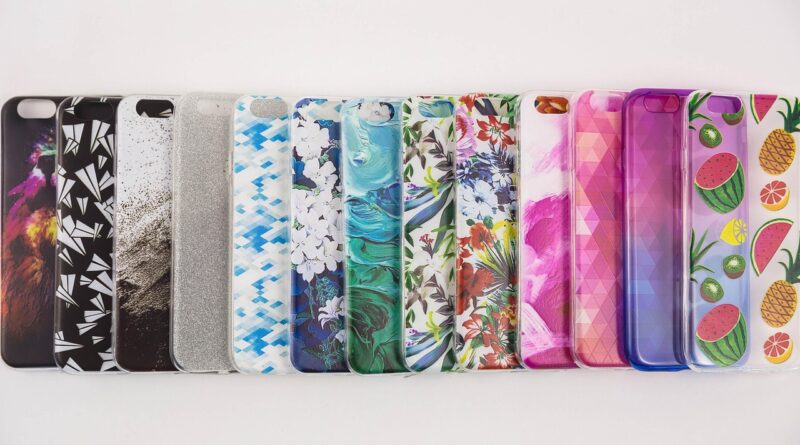
Phone case Cricut ideas for vinyl, stickers, and layered designs
What makes a Cricut phone case project work
The best phone case Cricut ideas do more than look good on a screen. They need to suit the case material, daily handling, and the limits of Cricut-compatible materials. For most DIY makers, adhesive vinyl and printable sticker projects are the most practical options because they avoid heat and work well on many smooth hard cases. Infusible Ink can create a more integrated finish, but only when the blank is specifically compatible with that heat-transfer process.
Before choosing a design, check whether the case is hard plastic, clear polycarbonate, TPU, silicone, leather-like material, or a MagSafe-style case with a magnetic ring. That choice affects adhesion, durability, cleaning, and whether the design may interfere with wireless charging or camera protection.
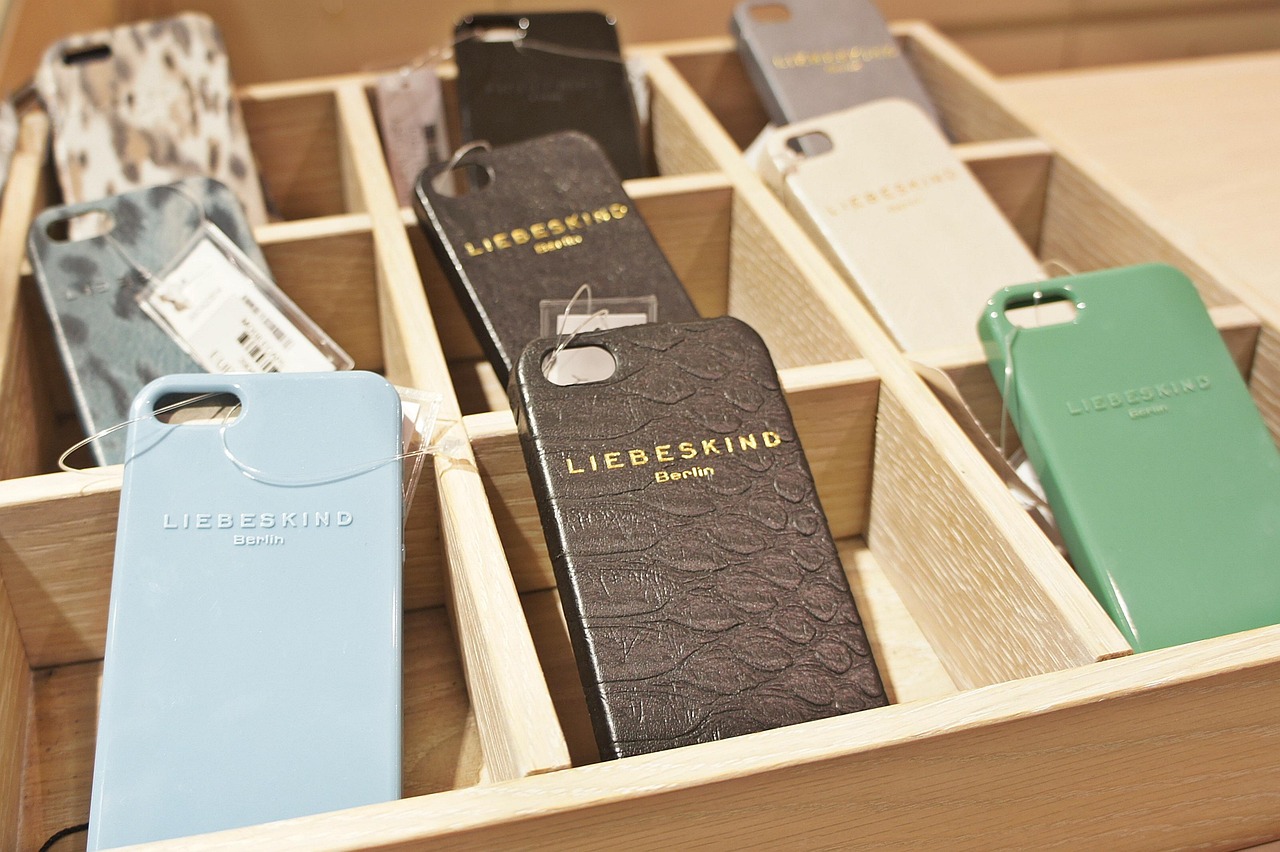
A phone case is a small, high-touch surface. It is rubbed by fingers, pockets, bags, desks, car mounts, and chargers, so it behaves very differently from a wall decal or notebook sticker. A workable layout keeps important details away from curved edges, avoids the camera opening, and leaves enough grip so the phone does not become slippery.
For more hands-on electronics and making guides, visit our DIY Tech section.
Choose the right case before choosing the design
The phone case is the foundation of the project. Clear hard cases are popular because the phone color becomes part of the design. Matte hard cases can look premium with simple decals. Soft silicone cases are comfortable to hold, but many adhesive materials do not grip them reliably over time. Leather-textured cases can also be difficult because an uneven grain gives the adhesive less continuous contact.
For the highest chance of a clean result, start with a smooth hard plastic or clear case. Remove the phone before decorating. Wash the case if the manufacturer allows it, let it dry fully, and wipe the decorating area with a lint-free cloth. For many hard plastic cases, a small amount of isopropyl alcohol on the cloth can remove oils, but do not use harsh solvents or soak the case.
Wireless charging also needs attention. Thin vinyl and sticker layers on the outside of a case usually do not block basic wireless charging by themselves, but thick embellishments, metal foil layers, resin domes, pop grips, and magnetic accessories can create alignment or heat issues. If the case has a MagSafe-style ring, design around it rather than directly over it. Keep the ring visible or use it as part of the layout.
Material options for phone case Cricut ideas
Cricut phone case projects usually fall into three material families: cut vinyl, printable sticker materials, and heat-transfer systems. Each can work, but they are not interchangeable.
| Method | Best for | Main advantage | Important limit |
|---|---|---|---|
| Permanent adhesive vinyl | Names, icons, silhouettes, line art, monograms | Clean edges and strong color on smooth hard cases | Edges can lift if placed on curves or handled constantly |
| Removable vinyl | Temporary looks, seasonal designs, testing layouts | Easier to change without committing | Usually less durable on a phone case |
| Printable waterproof sticker sets | Photo-style art, gradients, illustrated stickers | Allows full-color artwork and laminate protection | Still needs careful edge placement and burnishing |
| Infusible Ink | Compatible coated blanks only | Can become part of the compatible surface rather than sitting on top | Requires the right blank, heat, pressure, and temperature tolerance |
| Layered vinyl | Bold graphics, shadows, faux 3D effects | Adds depth without printing | Too many layers can feel raised and catch at the edges |
Cricut’s material guidance separates adhesive vinyl, printable waterproof sticker materials, and Infusible Ink because they behave differently. Permanent vinyl is generally the safer choice for a first phone case project. Printable sticker sets are better when the artwork uses watercolor effects, gradients, small illustrations, or photo-like details. Infusible Ink should be treated as a special-case method, not a universal phone case solution, because it needs compatible polymer or polyester-based surfaces and a heat process that ordinary phone cases may not tolerate.
Practical Cricut phone case ideas by style
Minimal monogram
A monogram is one of the easiest designs to cut and apply. Use one initial, two initials, or a short name in a simple font. Keep the design away from the bottom corners because that area rubs against pockets and tables. For a clear case, white, black, metallic, or holographic vinyl can stand out without covering the phone color.
Botanical line art
Thin leaf, flower, and vine designs suit clear and matte cases. The key is to simplify the artwork before cutting. Very thin stems can tear during weeding or lift later. If the line art has many small gaps, use the Offset feature in Design Space to create a slightly thicker silhouette or a backing layer.
Retro checkerboard corners
A checkerboard design does not need to cover the whole case. Try a diagonal corner block, a side strip, or a small curved band around the camera area. Cut the pattern as one piece when possible, because placing dozens of individual squares can become uneven. High-contrast colors such as black and cream, pink and red, or green and white work especially well.
Sticker-bomb clear case
For a sticker-bomb look, create several small printable stickers and arrange them under or on the outside of a clear case. If the stickers sit inside the case, make sure they do not create pressure points against the phone. If they go on the outside, use a laminated printable sticker material and round the corners so the edges are less likely to lift.
Negative-space silhouette
Instead of filling the case with vinyl, cut a large shape that leaves the phone color showing through. Hearts, stars, initials, cats, mountains, waves, and city skylines work well. This approach gives bold designs strong visual impact without making the case feel fully covered.
Color-shift accent strip
A narrow vertical or horizontal strip of holographic, metallic, or color-changing vinyl can make a plain case feel customized without overwhelming it. Keep strips straight and away from button cutouts. This is also a useful way to use small vinyl scraps.
Personal tech label
A subtle label can include a first name, short handle, emergency contact note, or device identifier. Avoid adding sensitive information such as a full address. If you include a QR code, test it after cutting or printing, after application, and under different lighting. Small QR codes can fail if print quality, laminate glare, or the case curve reduces contrast. See also: Gadgets.
Layout rules that prevent common mistakes
A phone case gives you less usable space than it appears. The camera opening, flash area, speaker cutouts, buttons, curved edges, and grip zones all reduce the safe design area. Before cutting anything, place a paper template over the case and mark the areas that should remain clear.
- Keep designs off the lip. The raised rim around the screen and camera protects the phone, but vinyl on that rim rubs off quickly.
- Leave the camera area clean. Vinyl should not creep near the lens, flash, LiDAR sensor, or microphone openings.
- Avoid high-friction corners. Bottom corners and side edges are the first places to peel.
- Use rounded corners on stickers. Sharp sticker corners catch more easily.
- Do not over-layer. Two vinyl layers can look polished; four or five layers can feel bulky on a phone case.
- Test hand placement. Hold the phone normally and check whether the design sits under your fingers.
For clear cases, consider whether the design should go inside or outside. Inside placement protects the art from rubbing, but it only works for flat inserts or thin decals that do not affect how the phone fits. Outside placement is easier for vinyl and lets textured or metallic materials show properly, but it faces more wear.
Step-by-step workflow for a cleaner result
Start with a simple test cut. Phone case designs are small, and tiny details can fail even when the larger design looks good on screen. If the design includes thin text, small dots, or delicate script, cut a sample from scrap vinyl before using the final material.
- Measure the case. Measure the flat back area, not the total case size. Subtract space for curved edges and camera openings.
- Create a safe layout. In Design Space, use a rectangle or uploaded case template as a visual guide. Hide or delete the guide before cutting.
- Simplify the design. Remove tiny details that will be hard to weed or easy to peel.
- Use Offset when needed. A small offset can make stickers easier to cut and can create a shadow layer for vinyl designs.
- Cut and weed slowly. Pull excess vinyl at a low angle and support small elements with a weeding tool.
- Apply transfer tape. Burnish from the center outward to reduce bubbles and help details lift from the liner.
- Place before pressing. Hover the decal over the case, align it to the camera opening and center line, then press from the center outward.
- Let adhesive settle. Avoid heavy handling, pocket friction, or cleaning immediately after application.
Do not seal every project by default. Clear sealers and resin coatings can change the feel of the case, yellow over time, crack on flexible cases, or make the case harder to recycle or refresh. If you want a sealed look, test the coating on a spare case first.
Design ideas matched to phone case types
| Case type | Ideas that usually fit | Ideas to approach carefully |
|---|---|---|
| Clear hard case | White monogram, sticker collage, pressed-flower style vinyl, negative-space shapes | Thick outside layers that scratch or catch in pockets |
| Matte hard case | Single-color icons, metallic initials, side stripe, botanical line art | Very pale colors that disappear on the background |
| Soft TPU case | Small temporary decals, inside paper inserts if the case is clear | Large permanent vinyl areas on flexible surfaces |
| Silicone case | Removable testing only or separate charm accessories | Expecting long-term vinyl adhesion |
| MagSafe-style case | Ring-framing designs, top-and-bottom layouts, small corner graphics | Covering the magnetic ring with thick material or metal-like layers |
If you are making a gift, choose a design that tolerates wear. A simple name decal on a smooth case is more predictable than a delicate, multi-layer illustration on a soft case. If you are making several cases for friends, create one prototype and carry it for a few days before cutting the full batch.
Durability and care expectations
No Cricut phone case project is completely immune to wear. Oils, friction, hand sanitizer, heat, sunlight, and repeated cleaning all affect materials. Permanent vinyl can last well on smooth hard surfaces, but a phone case is more demanding than a decorative item that stays in one place.
To help the project last longer, clean the surface before application, keep the design on the flattest area, round sticker corners, and avoid placing vinyl where fingers constantly slide. When cleaning the case later, use gentle wiping rather than scrubbing. Avoid abrasive pads and strong solvents. If an edge begins to lift, trimming the loose section cleanly is often better than pulling at it and damaging the rest of the design.
The most durable design is not always the most complex one. A bold one-color decal can look good for months, while a tiny script quote with thin swashes may peel quickly. For everyday use, design for handling first and decoration second.
Frequently asked questions
Can I put Cricut vinyl on a silicone phone case?
You can try it for a temporary look, but silicone is not the best surface for long-term vinyl adhesion. A smooth hard plastic case is usually a better choice if you want the decal to stay neat.
Should the design go inside or outside a clear case?
Flat printed inserts or very thin decals can go inside if they do not affect the phone fit. Vinyl, metallic materials, and textured designs usually show better on the outside, but they will experience more wear.
Can I use Infusible Ink on any phone case?
No. Infusible Ink needs a compatible blank designed for the process, along with suitable heat and pressure. Ordinary TPU, silicone, and many plastic cases are not safe assumptions because they may warp or fail to bond correctly.
Will a Cricut design affect wireless charging?
A thin vinyl decal usually is not the main problem, but thick coatings, metal-like layers, grips, charms, and poor alignment can interfere with charging or create heat. Test charging after decorating and stop using the case if it becomes unusually warm.
What is the easiest first phone case Cricut project?
Start with a one-color permanent vinyl monogram or small icon on a smooth hard case. It uses few materials, weeds easily, and helps you practice alignment before trying printable stickers or layered designs.