Which Smart Home Products Are Worth Buying for a Safer and Easier Home?
Which Smart Home Products Should You Buy First?
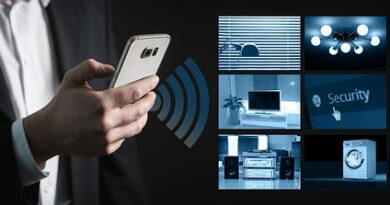
If you are looking at smart home products for a new house, apartment, or upgrade job, begin with the rooms and routines you use every day. A useful smart home is not a stack of gadgets. It is a group of simple controls that makes leaving home, going to bed, cutting energy waste, and checking safety easier. For more category ideas, visit the Smart Home section and match products to the way you actually live.
The first product to buy is usually not the one with the most features. Choose something that fixes a real problem, works with your phone or voice assistant, and still feels helpful after the first week. A kitchen light that turns on when your hands are dirty may be more useful than a camera with settings you never check.
Smart Speakers and Displays as Daily Control Points
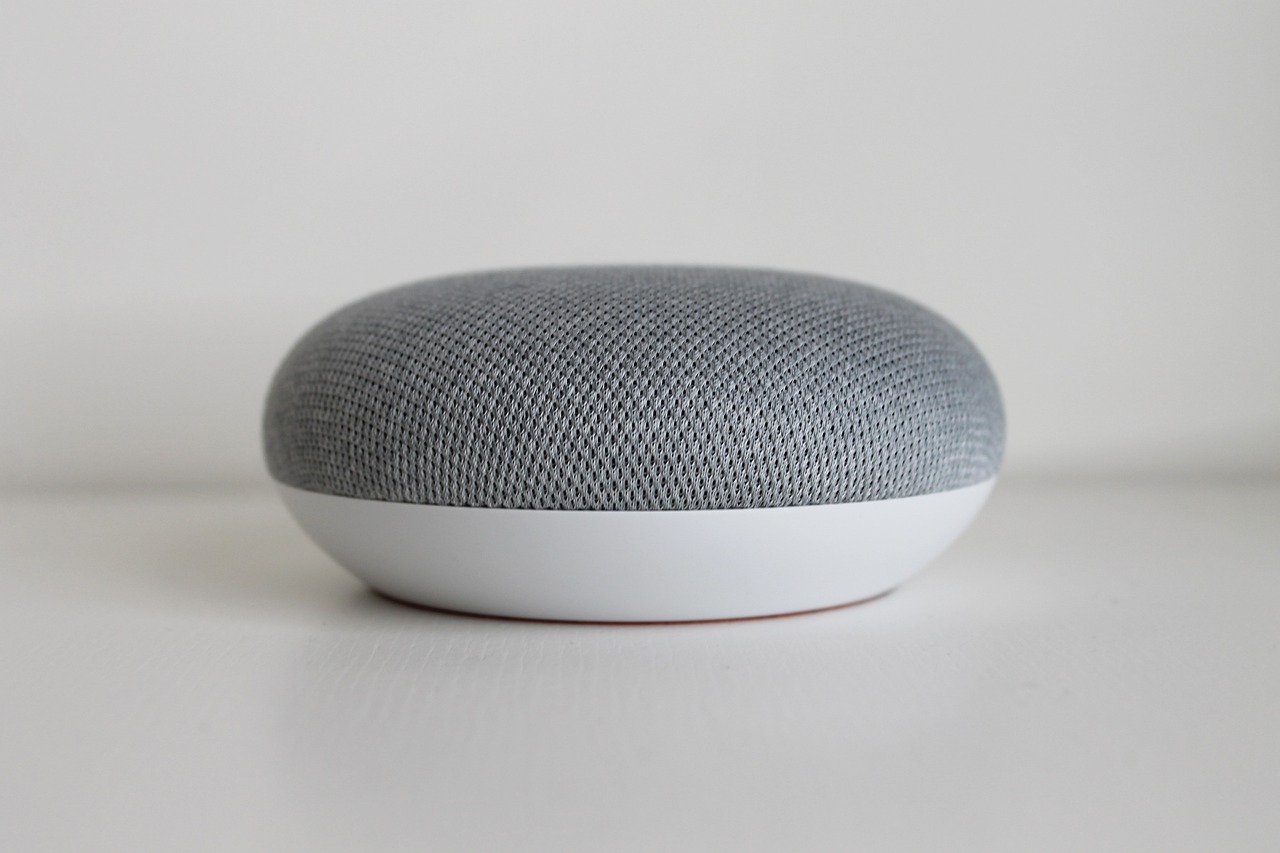
A smart speaker or display gives the system one easy place to start from. You can ask for lights, timers, music, weather, or a quick security check without opening several apps. The U.S. Energy Information Administration reported from its 2020 Residential Energy Consumption Survey that about 40 million U.S. households had smart speakers, and nearly 18 million used them to control at least one home setting such as lighting, temperature, or security. That shows the category is now part of normal home use, not just a new gadget people try once. (eia.gov)
Smart Lighting for Quick Comfort Wins
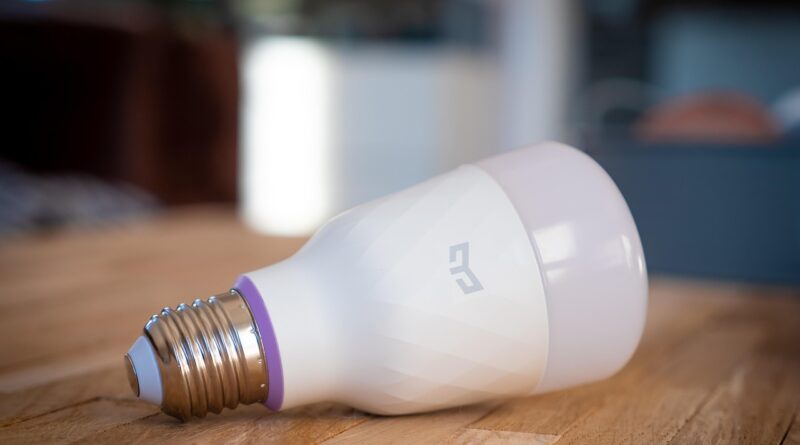
Smart bulbs, switches, dimmers, and motion sensors are easy to notice because people use lights every day. A hallway light can turn on at 20 percent after midnight, porch lights can follow sunset, and a child’s room can move to a warmer tone before bedtime. In many homes, smart switches are a better fit than smart bulbs because wall controls stay familiar. Guests also understand a normal switch, which avoids the common problem of telling people not to turn it off.
Smart Thermostats for Real Utility Value
Smart thermostats deserve attention when heating or cooling bills are high, the home is empty during work hours, or family schedules change often. ENERGY STAR says certified smart thermostats are independently certified with field data and can save about 8 percent on heating and cooling bills, or roughly $50 per year on average. The real result still depends on climate, HVAC equipment, insulation, and how the schedules are set. For buyers, it is worth checking those points before expecting a fixed saving number. (energystar.gov)
How Do Smart Home Products Save Energy?
Energy saving comes from timing, sensing, and feedback. Smart devices do not cut bills simply because they connect to Wi-Fi. They help when they reduce wasted runtime, show hidden loads, or change a setting faster than a person would by hand. The point is to automate repeated small choices without making the home uncomfortable.
Heating and Cooling Controls Drive the Biggest Gains
Heating and air conditioning should come first because they use a lot of energy. The U.S. Energy Information Administration reported that space heating and air conditioning made up 52 percent of average U.S. household annual energy use in 2020. That is why a thermostat, temperature sensor, or smart vent plan can matter more than a small plug-in device. Control the large system first, then look at smaller appliances such as the coffee maker. (eia.gov)
Sensors Cut Waste in Empty Rooms
Occupancy sensors and door sensors can stop lights, fans, and some HVAC routines from running in empty rooms. A laundry room light that turns off after ten minutes sounds simple, but it works because people forget. In a guest bathroom, a sensor switch is often more dependable than asking every visitor to use an app. For rental units and small offices, this kind of low-touch automation usually creates less trouble for users.
Smart Plugs Make Small Loads Visible
Smart plugs are useful for lamps, holiday lights, air purifiers, and older appliances that do not need a full smart replacement. Many models show runtime or energy use, so you can see habits that are costing money. If a device must never lose power, such as a router, refrigerator, medical device, or aquarium pump, do not put it on a casual smart plug. A convenience product should not become another failure point.
What Makes Smart Home Products Work Together?
Compatibility is where many buyers run into trouble. A product can work well by itself and still become annoying if it needs a separate app, a special hub, or a cloud service that does not connect with the rest of the home. Before buying, check the ecosystem, wireless protocol, and whether the product supports local control or a shared standard.
Matter Support Reduces Ecosystem Lock In
Matter is the main label to check on newer smart home products. The Connectivity Standards Alliance describes Matter as a common language that lets devices work together regardless of who makes them. By late 2025, the Alliance also announced Matter 1.5 with support for cameras, closures, soil sensors, and added energy management features. For buyers, the basic takeaway is clear: Matter support can make a device easier to use across major platforms, although some advanced features may still only appear in the maker’s own app. (getmatter.org) (csa-iot.org)
Wi-Fi Handles High Data Devices
Wi-Fi is common for cameras, video doorbells, smart displays, robot vacuums, and appliances because these devices send and receive more data. It is usually simple to set up, but too many low-cost Wi-Fi devices can overload a weak router. If a video doorbell drops out at dinner time, the device may not be the only issue. Router placement, signal strength, and upload speed can all affect the result.
Thread and Zigbee Suit Small Sensors
Thread and Zigbee are often used for small, low-power devices such as contact sensors, motion sensors, buttons, and bulbs. They can form mesh networks, where nearby devices help pass signals through the home. The buyer still needs to check what hub, border router, or controller is required. A sensor that looks cheaper at checkout may cost more if it makes you buy another bridge.
How Can Smart Home Products Improve Safety?
Safety products should reduce doubt. They do not replace good locks, smoke alarms, insurance, or basic care. Even so, they can send faster alerts and give better visibility when something happens while you are away, asleep, or in another room. A good setup does not need attention most days, and that is the point.
Video Doorbells and Cameras for Visible Entry Points
Video doorbells help you see deliveries, visitors, and movement near the front door. Outdoor cameras can cover driveways, gates, and side yards. Choose models with clear privacy controls, activity zones, and storage terms that are easy to understand. If a camera faces a neighbor’s window or a shared hallway, placement matters, and a small angle change can prevent a lot of problems.
Locks Sensors and Alarms for Faster Alerts
Smart locks are most useful when you need temporary codes for family, cleaners, guests, or short-term stays. Door and window sensors add simple status checks: open, closed, or left open too long. For a more complete security setup, look for systems with battery backup and cellular backup, not only app alerts. A lock that works well on a normal Tuesday should also work during a power cut.
Water Leak and Smoke Sensors for Quiet Risks
Water sensors near washing machines, water heaters, sinks, and basements can catch small leaks before they turn into expensive repairs. Smart smoke and carbon monoxide alarms can send phone alerts, but they still need correct placement, testing, and replacement based on the manufacturer schedule. These devices are not exciting to show off. In daily home use, they are often more valuable than another color bulb. See also: Gadgets.
What Privacy and Security Checks Matter Before You Buy?
Every connected device adds an account, an app, and a possible route into your home network. That does not mean smart home products are unsafe by default. It means you should buy with a checklist rather than guessing. Look for strong login tools, clear update support, privacy settings, and a brand that explains what data it collects.
Strong Login Tools Beat Weak Password Habits
The FBI’s 2025 Internet Crime Report recorded 1,008,597 complaints and $20.877 billion in losses, with phishing and spoofing listed as the largest complaint category by count at 191,561 complaints. This is not only a smart home issue, but it shows why account security matters. Use unique passwords and multi-factor authentication for device apps, especially cameras, locks, and alarm systems. These accounts should be treated like other important household accounts, not like throwaway app logins. (fbi.gov) (fbi.gov)
Automatic Updates Keep Devices Safer
NIST advises smart home users to check security and privacy features before buying and to turn on automatic updates where possible. Updates often fix security holes, not just add features. If a product no longer receives updates, consider replacing it or moving it off the network. A cheap device with unclear support can turn into a cost later, even if nothing looks wrong at first. (nist.gov)
Network Separation Lowers Household Risk
A separate guest network or IoT network can keep smart bulbs, plugs, cameras, and appliances away from laptops that hold tax files, work documents, or family photos. NIST also points to network segmentation as a useful step for safer smart homes. It takes some patience in the router menu, but once it is set, most homes do not need to adjust it often. This is a practical step for households with many connected devices. (nist.gov)
How Should You Build a Practical Smart Home Plan?
A practical plan starts with daily pain points, not a long product list. Walk through a normal day and note repeated actions: lights at sunrise, thermostat changes, package checks, garage door worries, leak risk, and bedtime routines. Then choose devices that remove those small problems. Buying everything at once often creates more setup work than value.
Start with One Routine Instead of a Full System
Pick one routine and make it reliable. A bedtime routine might lock the door, lower the thermostat, turn off downstairs lights, and leave one hallway light dim. A leaving-home routine might turn off plugs, set the thermostat away, and arm sensors. Test that routine for two weeks before adding more devices, because fewer moving parts make it easier to fix problems if the home starts acting oddly.
Compare Total Cost Beyond the Device Price
The shelf price is only one part of the cost. Check whether you need a hub, cloud storage, professional monitoring, batteries, subscriptions, or paid features. A camera with a low price but a required storage plan may cost more after two years than a higher-priced model with local storage. A smart lock may also need extra batteries, a keypad, or a matching deadbolt style, so those items belong in the same budget check.
Choose Products You Can Live with Daily
Good smart home products should still work when the internet is slow, guests visit, or your phone battery dies. Keep manual controls where they make sense, label important switches, save setup codes, and use products from brands with clear documentation and support. The best smart home feels almost normal in daily use. It simply removes a few things people often forget.
FAQ
Q1: What Are the Best Smart Home Products for Beginners? A: Start with smart lighting, a smart speaker or display, a smart thermostat, and one or two safety sensors. These products handle common needs and are usually easier to set up than a whole-home system.
Q2: Are Matter Smart Home Products Always Better? A: Matter support is a strong plus because it can improve cross-platform compatibility. Still, check the exact device features in your preferred app because some advanced options may stay inside the maker’s own app.
Q3: Can Smart Home Products Really Save Money? A: Yes, but results vary. Thermostats usually give the clearest energy case because heating and cooling are major household loads. Smart plugs and sensors help more when they stop real waste.
Q4: Do You Need a Hub for Smart Home Products? A: Not always. Many Wi-Fi devices connect directly to your router. Thread, Zigbee, Z-Wave, and some Matter setups may need a hub, border router, or compatible smart speaker.
Q5: How Can You Keep Smart Home Products More Private? A: Use unique passwords, turn on multi-factor authentication, enable automatic updates, review privacy settings, and place smart devices on a separate network when your router supports it.