
Smart home setup guide for a reliable, secure, and Matter-ready home
Start with a plan, not a pile of devices
A good smart home setup is not about buying every connected gadget available. It is about building a system that works consistently in the rooms and routines that matter. The practical order is straightforward: choose the main control platform, stabilize the home network, decide which devices should use Wi-Fi, Thread, Matter, Zigbee, Z-Wave, or wired connections, and set basic security rules before adding automations.
Matter and Thread have made cross-brand setup easier in many cases, but they do not replace the basics. A reliable smart home still needs a capable router, clear device names, current software, and a realistic room-by-room plan.
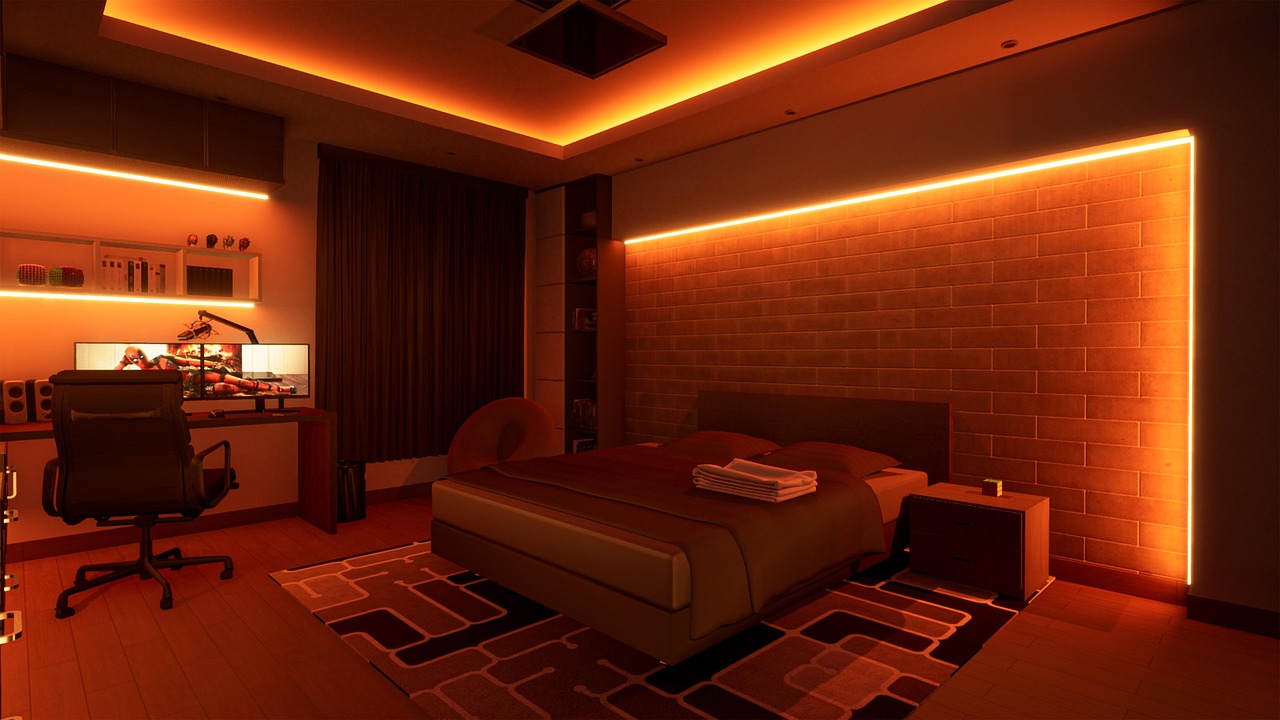
If you are starting from zero, focus first on devices that solve daily problems: lighting control, thermostats, door locks, leak sensors, cameras, plugs, and a small number of useful scenes. For more smart home coverage and device category updates, visit our Smart Home section.
Choose the control platform and network foundation
The first decision is the control layer. Most homes use one main ecosystem for voice control, routines, dashboards, and household permissions. That may be Apple Home, Google Home, Amazon Alexa, Samsung SmartThings, Home Assistant, or another hub-based system. The right choice depends less on brand preference than on who will use the system, which phones are in the home, whether local control is important, and which device categories may be added later.
After that, check the network. Many smart home setup failures are not caused by the device itself. They come from weak Wi-Fi coverage, crowded 2.4 GHz bands, confusing router settings, or apps that cannot see the correct network during pairing. Cameras, video doorbells, speakers, TVs, and appliances usually rely on Wi-Fi because they move more data. Sensors, locks, shades, buttons, and other low-power accessories often fit better on Thread, Zigbee, or Z-Wave because those technologies are designed for small messages and battery life.
Before buying more devices, use these foundation checks:
- Confirm strong Wi-Fi coverage in the rooms, porch, garage, and utility areas where devices will be installed.
- Keep the router firmware updated and change the default router administrator password.
- Use a clear Wi-Fi name and avoid frequent SSID changes after pairing many devices.
- Decide whether smart devices will use the main network, a guest network, or a dedicated IoT network.
- Choose one naming style, such as Room plus Device, before creating scenes and automations.
Understand Matter, Thread, Wi-Fi, Zigbee, and Z-Wave
Matter is often described as a smart home standard, but in practical terms it is an interoperability layer that helps supported devices work across compatible ecosystems. According to the Connectivity Standards Alliance, Matter 1.4 was announced on November 7, 2024, with improvements such as enhanced multi-admin support, home router and access point support, and energy management features. Matter 1.5, announced on November 20, 2025, expanded the standard with support for cameras, closures such as shades and garage doors, soil sensors, and additional energy management capabilities. That progress is useful, but support still depends on the device, the controller, and the platform software actually installed in the home.
Thread is different. It is a low-power IP-based mesh networking technology used by many Matter devices. The Thread Group describes Thread as a mesh network built for low-power connected products, with a border router linking the Thread mesh to the rest of the home network. In practice, a Matter-over-Thread sensor or lock usually needs both a compatible Matter controller and a Thread border router in the home. Some smart speakers, streaming boxes, hubs, and routers include that function, but it should be confirmed before purchase.
| Device type | Common connection choice | Why it fits | Setup note |
|---|---|---|---|
| Cameras and video doorbells | Wi-Fi or Ethernet | Video needs higher bandwidth than small sensors | Place near strong signal or use wired networking where possible |
| Door locks, sensors, buttons, shades | Thread, Zigbee, Z-Wave, or Matter over Thread | Low-power mesh is useful for battery devices | Plan for a hub or Thread border router before pairing |
| Smart bulbs and plugs | Wi-Fi, Zigbee, Thread, or Matter | Simple control and automation are the main goals | Use switches carefully so bulbs are not cut off from power |
| Thermostats | Wi-Fi, Matter, or ecosystem-specific control | Schedules, remote control, and energy reports matter most | Check HVAC wiring and compatibility before purchase |
| Whole-home reliability devices | Ethernet, wired alarm, or dedicated hub | Critical functions benefit from lower dependence on cloud apps | Use professional installation when electrical or safety codes apply |
Build the setup room by room
A room-by-room approach keeps the system from becoming complicated too quickly. Start with one high-use area, test it for a week, then expand. This gives you time to identify weak signal areas, app limitations, household preferences, and automation rules that sound useful on paper but become annoying in daily use.
Entry and security areas
At the front door, prioritize reliability over novelty. A smart lock should have a physical key or another emergency access plan, strong account protection, and a clear process for adding or removing users. Doorbell cameras need strong upload performance, good night visibility, and privacy settings that match the household’s comfort level. If a device records audio or video, review retention settings, shared user permissions, and cloud subscription requirements before relying on it.
Lighting and daily routines
Lighting is often the easiest place to start because the benefit is immediate. For single lamps, smart plugs are simple. For ceiling fixtures controlled by wall switches, smart switches usually provide a better everyday experience than smart bulbs because guests and family members can still use the wall control normally. Smart bulbs make sense where color, dimming, or scene effects are the goal, but they can become unreliable if someone turns off the physical switch that powers them.
Climate and energy
Smart thermostats are one of the few smart home categories with widely cited energy-saving data. ENERGY STAR states that certified smart thermostats are independently certified based on actual field data, and its public guidance has cited average savings of about 8% on heating and cooling costs, or about $50 per year for an average home. That does not mean every household will save the same amount. Savings depend on climate, HVAC type, prior thermostat habits, occupancy, comfort preferences, and whether the system is configured correctly.
Leaks, smoke, and safety monitoring
Water leak sensors near washing machines, water heaters, sinks, basements, and HVAC condensate lines can be more useful than many novelty devices because they provide early warning. However, consumer smart sensors should not be treated as replacements for code-required smoke alarms, carbon monoxide alarms, professional monitoring, or insurance requirements. Use smart alerts as an additional layer, not the only safety layer.
Make security part of the installation
Security should be built into the installation, not left as a final checklist item after everything is paired. NIST’s consumer IoT cybersecurity baseline focuses on outcomes such as product identification, secure configuration, data protection, interface access control, software updates, cybersecurity state awareness, and product documentation. For homeowners, that translates into practical buying and setup questions: Can the password be changed? Are updates automatic? Is there a published support period? Can the device be reset before resale? Does the app support multi-factor authentication? See also: Gadgets.
The FCC created the voluntary U.S. Cyber Trust Mark program in March 2024 for qualifying wireless consumer IoT products. The program is designed to pair a label with a QR code that points consumers to product security information, including details such as support period and update behavior. As labels become more common on products, they can help buyers compare security claims, but they do not replace basic setup hygiene.
Use this security sequence during installation:
- Update the phone app, hub, router, and device firmware before configuring routines.
- Create strong, unique passwords for device accounts and enable multi-factor authentication where available.
- Remove old household members, contractors, renters, or test accounts from apps and hubs.
- Disable features you do not use, especially remote access, microphones, cameras, and third-party integrations.
- Place high-risk devices such as cameras on a separate network if your router supports it and if the setup will not break needed integrations.
- Keep a simple inventory of device names, rooms, account owners, purchase dates, and support policies.
Create automations that stay useful
The strongest smart home automations are simple, easy to understand, and easy to override. A porch light that turns on at sunset and off at sunrise is more dependable than a chain that depends on location tracking, weather conditions, three cloud services, and two people’s phones. A leak sensor that sends a notification and triggers a nearby siren is easier to trust than an automation that closes a valve you have never tested.
Design automations around real triggers: time of day, occupancy, door state, humidity, temperature, light level, and security mode. Then add fail-safes. For example, a nighttime hallway motion sensor can turn lights on at 20% brightness, but the wall switch should still work normally. A thermostat routine can lower the temperature when everyone leaves, but users should be able to override it without fighting the system.
Good naming also matters. Use names that a guest or family member can understand: Kitchen ceiling, Front door lock, Hallway motion, Bedroom lamp. Avoid duplicate names such as Light 1 or Plug 3. If voice control is part of the setup, short and distinct names reduce mistakes.
Avoid the most common setup mistakes
Most smart home frustrations come from preventable design choices. The aim is not to make the system more complex. It is to make it predictable.
| Mistake | Why it causes problems | Better approach |
|---|---|---|
| Buying devices before choosing an ecosystem | Some features may only work in a brand app or one platform | Check controller, Matter, hub, and app compatibility first |
| Mixing too many apps for basic tasks | Household members do not know where to control things | Use one main dashboard for daily control and keep brand apps for updates |
| Relying on cloud-only routines for critical actions | Internet or service outages can break automations | Prefer local control where possible for locks, lights, and sensors |
| Ignoring physical controls | Guests and children may still use switches manually | Choose smart switches, buttons, or scenes that match normal behavior |
| Skipping account cleanup | Old users may retain access to cameras, locks, or thermostats | Review shared access after moves, repairs, rentals, and device resale |
Frequently asked questions
What should I buy first for a smart home setup?
Start with the network and one practical category, such as smart lighting, a thermostat, leak sensors, or a doorbell camera. If you plan to use Matter-over-Thread devices, confirm that you already have a compatible controller and Thread border router before buying battery sensors or locks.
Is Matter enough to guarantee everything will work together?
No. Matter improves interoperability for supported device types, but real compatibility still depends on the device firmware, controller, platform app, and available features. Always check the exact device category and platform support, not just the logo on the box.
Should smart home devices be on a separate Wi-Fi network?
A separate IoT or guest network can reduce risk, especially for cameras and low-cost devices, but it must be configured carefully. Some casting, discovery, and local-control features may stop working if the network blocks communication between phones, hubs, and devices.
Are smart bulbs or smart switches better?
Smart switches are usually better for ceiling lights and shared rooms because the wall control remains familiar. Smart bulbs are better for lamps, color scenes, rentals, and areas where you cannot change wiring. In many homes, the best setup uses both.
How often should I review my smart home setup?
Review it at least twice a year and after any router change, phone change, move, renovation, or account change. Check firmware updates, app permissions, shared users, automations, batteries, and whether any device has reached the end of its security support period.