Is Google Home Still the Best Smart Home Hub in 2026?
Is Google Home Still Worth Building Around in 2026?
If you are checking Google Home for a new smart home, treat it as the control layer you will use day after day. It brings speakers, displays, lights, locks, cameras, thermostats, and Matter devices into one app and one voice system. For more product guides in the same category, visit the Smart Home section.
One App for Daily Control
The main benefit is easy to understand: you can group devices by room, pin the ones you use most, and run automations from the Google Home app instead of jumping between several brand apps. Google’s official Home app information, accessed in July 2026, lists app control, automations, Activity, and support for partner devices built with Matter or Works with Google Home. In day-to-day use, Google Home makes the most sense when the real need is simple control, not just adding another speaker to the house.
Voice Commands That Fit Normal Routines
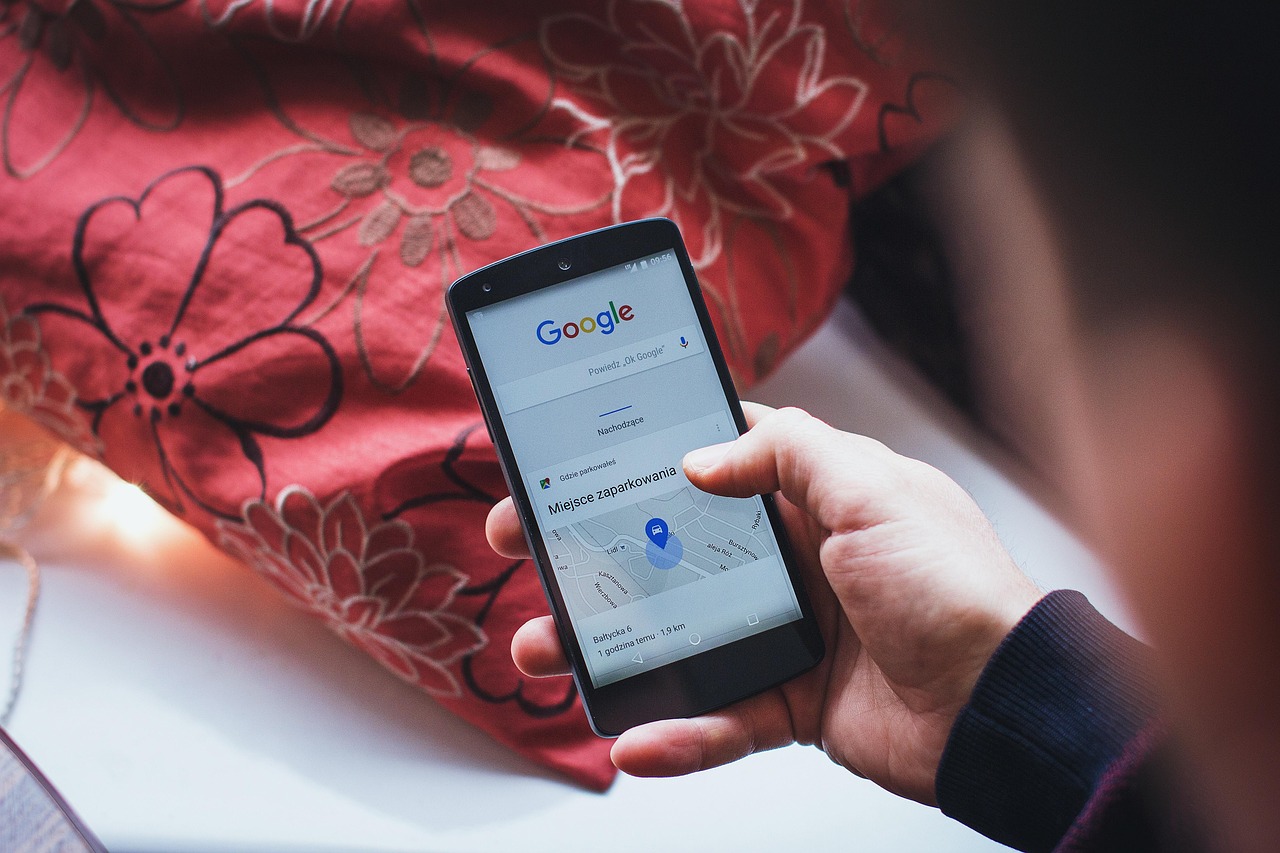
Voice control still earns its place during ordinary moments, and that is where a smart home is easiest to judge. You can ask for kitchen lights while holding grocery bags, start music while cooking, or turn off bedroom lamps without picking up a phone. A display gives you touch control, but voice is often the part that helps guests and family members use Google Home without learning another app.
A Market That Keeps Growing
Public shipment data gives some useful background for buyers and distributors. IDC’s Worldwide Quarterly Smart Home Device Tracker, reported in September 2024, forecast 892.3 million global smart home device shipments in 2024 and 1.108 billion in 2028. Smart speakers were listed at 87.4 million units for 2024. This does not mean Google Home is the right fit for every home, but it does show that smart home products have moved well beyond a small hobby market.
Which Google Home Hub Should You Choose?
The right hub depends more on the room than on the longest spec sheet. A kitchen needs controls you can see quickly. A hallway may need better Wi-Fi coverage. A bedroom may only need a quiet speaker. Before buying, walk through the rooms and write down what each device needs to do.
Nest Hub for Screens and Rooms
A smart display is a sensible first device for many homes because it gives both voice and touch control. Google Store tech specs for Nest Hub 2nd Gen, checked in July 2026, list a 7-inch touchscreen, three far-field microphones, Matter support, Google Home hub support, and a built-in Thread border router. That setup works well on a kitchen counter, where timers, doorbell views, light controls, and music are often needed from one small device.
Nest Wifi Pro for Network First Homes
If dead zones are the main problem, start with the network before adding more devices. Google’s Nest Wifi Pro product information lists Wi-Fi 6E mesh coverage and a built-in Thread border router. This matters because smart locks, sensors, and lights can act up when Wi-Fi is weak. A good router is not exciting, but it works like basic plumbing in the home. You usually notice it only when it stops doing its job.
Speakers for Voice First Control
A speaker is usually enough in rooms where a screen is not needed. Bedrooms, laundry rooms, garages, and small offices often work well with this setup. Placement still matters, so keep the microphone away from noisy appliances and use clear room names. A command like “turn off the garage lights” should control the garage, not every light near the door.
How Do Matter and Thread Change Google Home Setup?
Matter and Thread are the two terms to check before buying new smart home devices. They are not magic labels, and they do not remove every setup issue. Even so, they help reduce the old problem where a bulb, lock, or sensor only worked properly inside one brand’s own app.
Matter Reduces Brand Lock-In
Matter is a smart home standard backed by the Connectivity Standards Alliance. Parks Associates reported on November 28, 2023 that 37% of smart home shoppers said Matter certification was important in purchase consideration. That figure is worth noting because buyers are looking at cross-brand use, not only the unit price. For practical purchasing, check for Matter support when buying lights, plugs, locks, thermostats, and sensors.
Thread Helps Small Devices Stay Responsive
Thread is made for low-power smart home devices such as sensors, switches, and locks. Google Home Help explains that if Matter devices in your home use both Thread and Wi-Fi, you need a hub that also works as a Thread border router. This is why the hub choice should not be treated as an afterthought. A low-cost sensor can look attractive on the product page, but without the right Thread border router, setup can turn into a time-consuming job.
Certification Still Needs a Device Check
Do not buy by the logo alone. Google Home Help notes that Matter-certified platforms and apps may support device types at different times. The Connectivity Standards Alliance released Matter 1.4 on November 7, 2024, adding features such as improved multi-admin support, certifiable home routers and access points, energy management, and new in-wall load-control device types. The safer buying habit is simple: check Google Home compatibility for the exact device model before checkout.
What Can You Automate with Google Home Every Day?
Useful automations are usually small and repeatable. It is better to skip the showy smart home idea at the beginning. Start with moments that happen every day: waking up, leaving home, coming back, cooking, and going to bed. If an automation saves only 20 seconds but runs twice a day, it still feels worth using.
Morning Routines with Lights and Weather
A basic morning routine can turn on soft lights, read the weather, start a news briefing, and set a thermostat target. Keep the routine short, because long routines are harder to fix when one device fails. In a real home, a two-step routine like “turn on kitchen lights and play morning music” often works better than a twelve-action setup that breaks before coffee. See also: Gadgets.
Presence Based Home and Away Actions
Google Home Help says presence-based automations can use device sensors, phone location, and manual Home or Away mode in the app. One common use is turning lights off after you leave. You can also set cameras, thermostats, or selected plugs to change state. Use this carefully in shared homes, since one person leaving should not always make the whole house behave as if nobody is there.
Safety Scenes That Stay Simple
Safety scenes should be plain and easy to check. For example, a bedtime routine can lock a compatible door, turn off downstairs lights, and lower hallway brightness. A leak sensor can trigger a phone alert and turn on a nearby light. Avoid automations that create risk, such as turning off essential medical equipment or cutting power to freezers. Convenience should never come before common sense.
How Should You Set Up Google Home for Privacy and Reliability?
A smart home is only as stable as the network and account behind it. The best setup is not the one with the most devices. It is the one where products stay online, family members know what is installed, and old permissions are not left in the system for years.
Router Security Comes First
The U.S. Federal Trade Commission’s Consumer Advice says the router is key to privacy in an Internet of Things home because connected devices usually pass through it. The FTC recommends changing default router settings, using WPA3 Personal or WPA2 Personal encryption, checking updates, disabling weak convenience features such as remote management when not needed, and setting up a guest network. This advice may sound basic, but it prevents many smart home problems before they appear.
Account and Permission Hygiene
Use strong passwords and two-factor authentication when available. Remove old household members, old phones, and devices you no longer own. If you sell or give away a camera, display, speaker, or lock, factory reset it first. For shared homes, decide who can add devices and who can view cameras. A smart home with no permission rules becomes hard to manage very quickly.
Room Names That Prevent Command Mistakes
Good naming avoids many small mistakes. Use short room names such as Kitchen, Hallway, Office, and Kids Room. Do not name a plug “Lamp” if it controls a heater, and do not set up two rooms with almost the same name in the app. Commands should be clear for guests as well as regular users. The less clever the naming system is, the better it usually works.
FAQ
Q1: Is Google Home Better Than Alexa for a Smart Home? A: It depends on your devices and habits. Google Home is strong if you use Android, Nest products, Google services, Chromecast, or Matter devices. Alexa may still fit homes with many Amazon-linked devices. Check your exact device list before choosing.
Q2: Does Google Home Support Matter and Thread? A: Yes, many Google Home and Nest devices support Matter, and selected hubs include Thread border router support. Always check the exact model, because not every speaker, display, router, or third-party device has the same features.
Q3: Can Google Home Work Without Internet? A: Normal use needs internet for voice assistant features, remote access, cloud video, updates, and many linked services. Some local Matter control may work on your home network, but you should treat internet service as required for a full Google Home setup.
Q4: How Many Devices Can You Connect to Google Home? A: There is no single reliable public number that fits every home. Limits can depend on Wi-Fi quality, router capacity, device type, brand cloud services, and Google Home support. For larger homes, plan the network first and add devices in groups.
Q5: What Is the Best First Google Home Device to Buy? A: For most people, a smart display such as a Nest Hub is the easiest first step because it gives voice, touch, room control, and hub features in one place. If Wi-Fi coverage is weak, fix the router or mesh network before adding more gadgets.