Is a Smart Home Thermostat Worth It for Comfort and Energy Savings
What Is a Smart Home Thermostat and Why Does It Matter?
A smart home thermostat is a Wi-Fi connected temperature control that runs heating and cooling around the way people live, not only around a fixed timer. If you are building a more useful Smart Home, this is usually one of the first devices worth looking at because HVAC has a bigger effect on comfort and utility bills than many small gadgets. The U.S. Energy Information Administration reported in its 2020 Residential Energy Consumption Survey that space heating and air conditioning made up 52% of average household annual energy use in the United States. So temperature control is not just an app feature. It has real work to do.
Automatic Temperature Control
A smart thermostat changes the set temperature by schedule, occupancy, or repeated habits. For example, it can lower heat after bedtime, pull back while you are at work, and warm the house again before you get home. The idea is not complicated, and that is why it works for many homes. You are no longer paying for full comfort when rooms are empty.
Remote Access Through an App
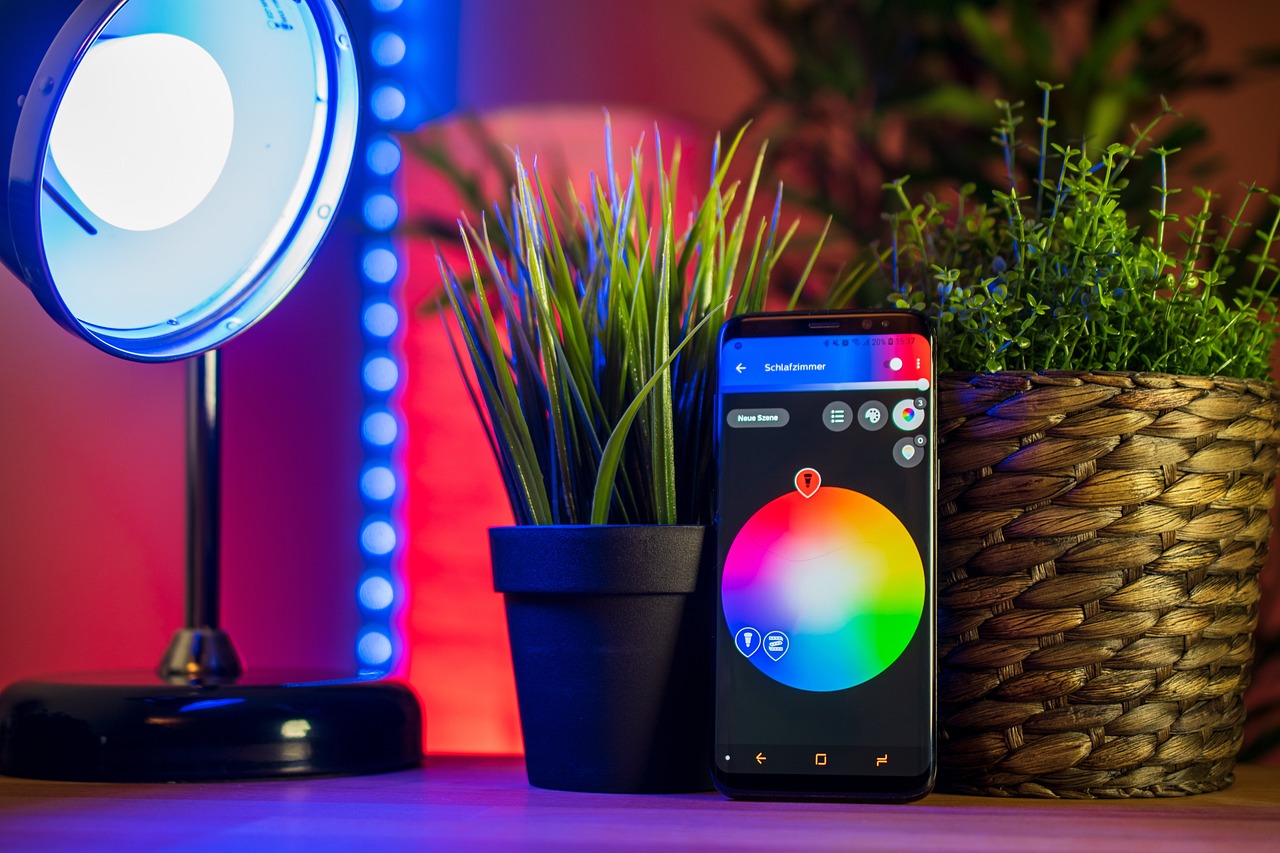
App control helps when the day does not go as planned. If a flight is late or the kids stay longer at practice, you can change the thermostat from your phone instead of coming back to the wrong temperature. This also matters for second homes and small rental properties. One forgotten setting can show up as a high monthly bill.
Energy Reports and Daily Scheduling
Many models show runtime, temperature history, and basic tips. I would treat those reports as useful signs, not exact engineering data. If runtime suddenly jumps, it may be a clogged filter, an open window, or just a hot week. The thermostat will not fix the house, but it can help you notice waste sooner.
Is a Smart Home Thermostat Worth It for Your Home?
The value depends on climate, HVAC system, insulation, daily schedule, and whether people actually use the features. A family out from 8 a.m. to 5 p.m. may see more benefit than someone who is home all day and already adjusts the thermostat by hand. Even so, public data gives a fair starting point.
Verified Savings Depend on Real Use
ENERGY STAR states that certified smart thermostats save about 8% on heating and cooling costs, or around $50 per year for many U.S. homes. Its certification method uses a full year of real customer data from hundreds of homes, not only lab testing. That makes the estimate useful for buyers. Savings are real in many cases, but they are not automatic for every house.
Heating and Cooling Drive the Biggest Impact
Heating and cooling are large home energy loads, so a small percentage change can still matter. In a mild coastal apartment, the dollar savings may be limited. In a cold-climate house with a long furnace season, better setbacks can make a clearer difference. The same device can give different results in Phoenix, Chicago, and Seattle.
Comfort Matters as Much as Cost
Some buyers only calculate payback and forget what daily comfort is worth. A good thermostat can keep mornings less cold and evenings less stuffy without constant button pressing. That is useful for older adults, busy parents, and anyone who dislikes waking up to a house that feels like a storage room. The comfort gain is part of the value, even if it is harder to put on a bill.
Which Features Should You Compare Before Buying?
Do not buy only because of the brand name or a clean touchscreen. The best smart home thermostat is the one that fits your HVAC wiring, phone habits, privacy expectations, and local weather. A basic model may be the better choice if it handles the few tasks you need every week.
HVAC Compatibility and C-Wire Power
Compatibility should be checked first. Many smart thermostats need steady low-voltage power, often through a C-wire. Some homes have it behind the wall plate, some do not, and some older systems need an adapter or a technician. Before buying, check the terminal labels and use the manufacturer compatibility tool.
Learning Schedules and Geofencing
Learning schedules look at repeated changes and build a pattern from them. Geofencing uses your phone location to move between home and away modes. These features can help, but the thermostat should still let you change settings quickly. Nobody wants to fight an app when guests are cold at dinner.
Room Sensors and Voice Control
Room sensors help when the hallway thermostat says 72°F but the bedroom feels closer to 66°F. Sensors can average temperatures or focus comfort in rooms that are being used. Voice control is fine for quick changes, but it is seldom the main reason to buy. Better sensing in the rooms people use is usually the stronger feature.
- Check system type before you compare prices.
- Look for ENERGY STAR certification when energy savings matter.
- Confirm whether remote sensors are included or sold separately.
- Review app ratings and long-term software support.
- Ask your utility about rebates before checkout.
How Should You Install and Set It up?
Installation can be a short wall swap, or it can turn into a wiring problem. The safer move is to slow down before removing the old unit. Turn off power at the HVAC breaker, take a clear photo of the old wiring, and label wires by terminal, not by color. Wire colors help, but they are not a guarantee.
Check the Existing Wiring First
Look for common terminals such as R, C, W, Y, and G. Heat pumps may add O/B, AUX, or E terminals. If you see thick high-voltage wires, stop and call a licensed professional. Smart thermostats are usually made for low-voltage HVAC controls, and guessing around electrical equipment is not worth the risk.
Place Sensors Where People Spend Time
A sensor near a sunny window, fireplace, or exterior door can give the system the wrong reading. Put it in a bedroom, living room, or office where comfort actually matters. Do not hide sensors behind books, curtains, or tall furniture. It sounds minor, but a sensor behind a plant can act like nobody is using the room.
Build a Simple Schedule Before Adding Automation
Start with a basic weekday and weekend schedule. After a week, add learning, geofencing, or eco modes if they make sense. This slower setup helps you see what changed comfort or energy use. If every smart feature is turned on in one afternoon, troubleshooting can get confusing fast. See also: Gadgets.
How Can You Get Better Savings Without Feeling Hot or Cold?
A smart thermostat saves the most when it changes temperature during long empty periods or sleeping hours. The U.S. Department of Energy has stated that setting back a thermostat for at least eight hours a day can save as much as 10% per year on heating and cooling. The point is to choose setbacks that fit the household. If the settings make people uncomfortable, they will be changed or ignored.
Small Setback Changes That Add Up
Try a 2°F to 4°F adjustment first, then increase it if comfort is still fine. In winter, lower the heat at night and while away. In summer, let the indoor temperature rise a little during long empty blocks. Bigger changes can save more, but very large swings may make some systems work hard during recovery.
Away Modes With Manual Control
Away mode works best when it is simple to cancel. If a pet, guest, or remote worker is still at home, the thermostat should not follow an empty-house setting without question. Good controls let you set limits, so the home does not become too hot, too cold, or too humid. That keeps energy savings from turning into a comfort problem.
Maintenance Habits That Support the Thermostat
Change filters on schedule, keep supply vents open, and clear debris around outdoor units. A thermostat cannot make a dirty system efficient. If runtime rises while the weather is about the same, take it as a warning. It may be time to check filters, duct leaks, refrigerant problems, or aging equipment.
What Mistakes Should You Avoid?
The common mistakes are usually small ones. They are buying and setup errors that make a good product feel disappointing. Most can be avoided by checking the system first, keeping settings simple, and treating savings claims as averages instead of promises.
Buying Before Checking the System
Do not assume every smart thermostat works with every furnace, heat pump, boiler, or multi-stage system. Some homes need an adapter. Some need a professional wiring change. Some are better served by a simpler programmable thermostat. Compatibility may feel boring, but it prevents returns and weekend frustration.
Chasing Too Many App Notifications
Energy alerts, air filter reminders, humidity notices, and learning suggestions can all be useful. Too many alerts can also become noise. Choose the notifications that lead to a real action, such as filter changes or extreme temperature warnings. A quieter app often gets used more often because people do not learn to ignore it.
Ignoring Local Utility Programs
Many utilities offer rebates or demand response programs for qualified thermostats. ENERGY STAR connected criteria also include demand response capability, with consumer control and override options. Rebates change often, so check your local utility before buying. No reliable public source gives one universal U.S. payback period because device prices, rebates, rates, and usage vary widely.
FAQ
Q1: Can a smart home thermostat work without a C-wire? A: Some models can, but many need a C-wire or adapter for steady power. Always check your exact HVAC terminals before buying.
Q2: How much money can you save with a smart thermostat? A: ENERGY STAR cites about 8% savings on heating and cooling costs, around $50 per year for many homes. Your result depends on climate, energy rates, insulation, and daily habits.
Q3: Is a smart thermostat hard to install? A: It can be easy if you have a compatible low-voltage system and clear wiring. If you see unusual terminals, high-voltage wiring, or no common power path, call an HVAC technician.
Q4: Are room sensors worth buying? A: They are worth it when rooms heat or cool unevenly. Bedrooms, home offices, and large living areas often benefit more than hallways.
Q5: What is the best setting for energy savings? A: There is no single perfect number. Use moderate setbacks during sleep and away hours, then adjust by comfort, humidity, and system performance.