Smart light guide to compatibility, energy use, and safer setup
What a smart light should do before you buy it
A smart light is any connected lighting product that can be controlled by an app, voice assistant, sensor, schedule, automation, or smart home platform. The best choice is not always the most colorful bulb or the cheapest Wi-Fi lamp. For most homes, the decision should start with three practical questions: what fixture or circuit needs control, which ecosystem it must work with, and whether the product will remain reliable and secure after installation. LED efficiency, dimming quality, color performance, Matter compatibility, and software support all affect the long-term value of a smart lighting upgrade.
Smart lighting works best when it solves a clear problem: reducing lights left on, improving task lighting, making a room easier to control, supporting occupancy-based automation, or coordinating lighting with other smart home devices. If the goal is only remote on/off control, a smart switch may be a better option than replacing every bulb.
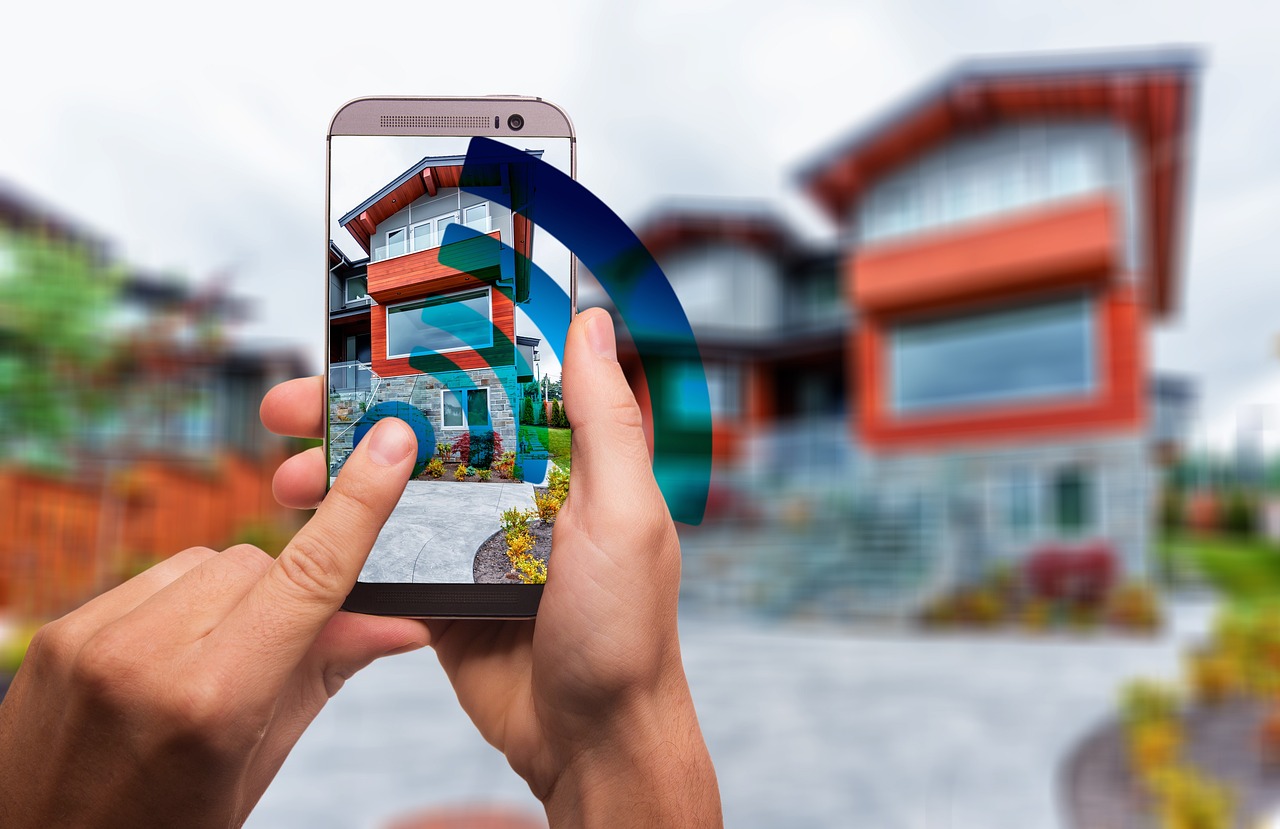
For more connected-home context, see the Smart Home section.
Smart bulb, smart switch, strip, or fixture
The first decision is form factor. Many buyers start with smart bulbs because they are easy to install, but bulbs are not always the right answer. A smart bulb needs continuous power. If someone turns off the wall switch, the bulb usually loses its network connection and cannot respond to an app or automation until power is restored. That makes bulbs a good fit for lamps, accent fixtures, rentals, and rooms where people already use app or voice control. They are less suitable for busy shared rooms where people expect a conventional wall switch to work every time.
A smart switch or dimmer controls the circuit instead of the bulb. It keeps normal wall control and can operate several ordinary LED bulbs at once. This is often the cleaner choice for kitchens, hallways, bathrooms, and ceiling fixtures. However, switches have installation limits. Many in-wall smart switches require a neutral wire, must match the load type, and must be installed according to electrical code. Three-way or multi-location circuits also require compatible hardware.
Smart light strips and bars serve a different purpose. They are useful for under-cabinet lighting, display shelves, media walls, stair accents, and indirect mood lighting. Key buying points include length, cut points, adhesive quality, controller placement, power supply rating, and whether the strip supports only RGB colors or also separate white LEDs for better everyday illumination.
Smart fixtures are the most integrated option. Downlights, ceiling panels, outdoor sconces, and landscape fixtures can provide cleaner design and better thermal management than add-on bulbs. The trade-off is replacement cost. If the electronics or LED module fails, replacing the fixture can be more complicated than changing a bulb.
| Use case | Usually better choice | Why it fits |
|---|---|---|
| Table lamps and floor lamps | Smart bulb or smart plug | Simple setup, no wall wiring, good for renters |
| Ceiling lights used by several people | Smart switch or dimmer | Keeps familiar wall control and prevents bulbs from being disconnected |
| Accent lighting | Smart strip or light bar | Flexible placement and color effects |
| New build or major renovation | Smart fixtures and switches | Cleaner installation and easier planning around wiring and circuits |
| Outdoor paths and entry areas | Outdoor-rated fixture or bulb | Weather rating and temperature range matter more than app features |
Compatibility is now more important than the app
Smart lights can connect through Wi-Fi, Bluetooth, Zigbee, Z-Wave, Thread, or a proprietary bridge. The protocol printed on the box matters because it affects range, responsiveness, setup, and long-term flexibility.
Wi-Fi smart lights are easy to understand because they connect directly to the home router. They are convenient for small installations, but dozens of individual Wi-Fi bulbs can crowd a network, and some products depend heavily on cloud services. Bluetooth lights can work for very small rooms or simple local control, but range and automation options may be limited.
Zigbee and Z-Wave products usually rely on a hub. For larger homes, that can be a strength rather than a weakness because the hub manages a dedicated low-power smart home network. Thread has become important because it is an IP-based mesh technology used by many newer Matter devices. A Thread smart light generally needs a Thread border router, such as a compatible smart speaker, display, hub, or router, to connect it with the rest of the home network.
Matter deserves attention, but it should not be misunderstood. Matter is not a wireless radio like Wi-Fi or Thread. It is an interoperability standard designed to make certified devices work across participating ecosystems. For smart lights, that can reduce the risk of buying a device that only works well in one brand’s app. The Connectivity Standards Alliance released Matter 1.0 on October 4, 2022, and has continued expanding and refining the standard. Matter 1.3, announced on May 8, 2024, added energy reporting capabilities for eligible Matter devices. Matter 1.6, announced on June 17, 2026, focused on setup improvements, multi-ecosystem sharing, and context-driven control rather than simply adding more device categories.
For buyers, the practical point is clear: a Matter logo can help with cross-platform control, but it does not guarantee that every advanced lighting effect, scene, gradient, music-sync feature, or firmware setting will appear in every app. Brand apps may still expose more detailed features than a third-party ecosystem. Before buying multiple units, test one product in the exact platform you plan to use.
Energy savings come from LEDs and behavior
Smart lighting can reduce energy use, but the savings are not automatic. The largest efficiency gain usually comes from using LED light sources instead of incandescent or older inefficient lamps. ENERGY STAR consumer guidance has long emphasized that certified LED bulbs can provide the same light output with much less energy than incandescent bulbs; for example, a 60-watt incandescent replacement can use about 75% less energy when using a qualified LED alternative.
Smart control adds savings when it changes behavior. Schedules, occupancy sensing, daylight response, dimming, and remote shutoff can reduce the hours that lights stay on or reduce wattage through dimming. The U.S. Department of Energy’s 2020 U.S. Lighting Market Characterization, published in 2024, estimated that lighting controls were used with about 11% of residential lighting installations and about 30% of commercial installations in the 2020 baseline. The same report estimated 6.2 TWh of energy savings from controls across the residential and commercial inventory it analyzed. That does not mean every home will save the same amount; it shows that controls matter when they are actually used.
There is also a small counterpoint: connected lights use some standby power to stay reachable. In a well-designed product, that standby load is small, but it can reduce or erase savings if the light would rarely have been left on in the first place. A smart bulb in a closet used for two minutes a day may not be an energy project. A smart switch controlling a hallway, porch, garage, or children’s room where lights are often left on can be much more meaningful.
To estimate value, think in operating hours instead of marketing claims. A light that runs five hours every evening has more savings potential than a decorative lamp used once a week. Automation should be designed around real routines, not novelty.
Brightness, color, and dimming quality affect daily comfort
When choosing a smart light, use lumens for brightness and watts for power consumption. Many people still think in incandescent watt equivalents, but lumens are the more useful specification. A typical 60-watt incandescent replacement is commonly around the 800-lumen range, while larger rooms, kitchens, and task areas may need multiple light sources rather than one very bright bulb.
Color temperature is measured in kelvin. Warm white around 2700K feels similar to traditional residential incandescent lighting. Around 3000K can feel slightly cleaner while still warm. Neutral white around 3500K to 4000K often suits kitchens, bathrooms, and work areas. Cooler settings above 5000K can look crisp but may feel harsh in living spaces at night. Tunable-white smart lights are useful because they let one fixture support different tasks: warmer scenes for evening, brighter neutral light for cleaning, and focused light for reading or cooking. See also: Gadgets.
Color rendering is another specification worth checking. A higher color rendering index can make skin tones, food, wood, textiles, and artwork look more natural. For living areas, kitchens, closets, and vanity lighting, buyers should look beyond the color-changing feature and check whether the white-light quality is good enough for daily use.
Dimming quality is also uneven. Some smart bulbs dim smoothly to very low levels, while others step down abruptly, flicker, buzz, or shift color in an unpleasant way. Smart switches must be matched with dimmable LED bulbs, and not every LED behaves well on every dimmer. If low-level evening scenes are important, buy one unit first and test it at 1%, 5%, 10%, and 25% brightness before standardizing across a room.
Health-related lighting claims should be treated carefully. The International Commission on Illumination describes integrative lighting as lighting that considers both visual and non-visual effects, but consumer smart lights should not be treated as medical devices. A sensible approach is to use bright, comfortable light during active daytime periods and reduce intensity and cool-blue appearance late in the evening, while avoiding exaggerated claims about sleep or health outcomes.
Security and privacy belong on the checklist
A smart light is a small device, but it is still part of a connected home. Security matters because lighting products may connect to an app account, home network, voice assistant, location schedule, or cloud service. A weak product may not expose the same risk as a computer, but it can still add unnecessary attack surface or create privacy concerns.
In the United States, the Federal Communications Commission established a voluntary cybersecurity labeling program for wireless consumer Internet of Things products in March 2024. The U.S. Cyber Trust Mark is intended to help consumers identify qualifying products that meet baseline cybersecurity requirements, with criteria linked to work from the National Institute of Standards and Technology. Because the program is voluntary, the absence of a label does not automatically mean a product is unsafe, but the direction is important: security support is becoming a visible purchase factor for smart home devices.
Before buying, look for clear answers to these questions:
- Does the manufacturer publish a software or firmware support period?
- Can the app account use multi-factor authentication?
- Does the device support local control, or does every command require the cloud?
- Are firmware updates automatic, manual, or unclear?
- Can the product be reset and removed from an account before resale or disposal?
- Does the privacy policy explain what data is collected for schedules, location, voice integrations, or diagnostics?
Good home-network practice also helps. Keep router firmware updated, use strong Wi-Fi security, avoid reusing passwords, and consider a guest or IoT network if the router supports it. For platforms that allow local automation, use local routines where possible so basic lighting remains functional during an internet outage.
A practical setup plan for a reliable smart lighting system
The most reliable smart lighting projects start small. Choose one room, define the problem, and test the control experience before expanding. A living room may need scene control and warm dimming. A hallway may need motion-based on/off. A porch may need sunset scheduling and weather-rated hardware. A home office may need bright tunable white rather than RGB effects.
Use this checklist before purchasing multiple smart lights:
- Map the control point. Decide whether the bulb, switch, fixture, plug, or strip should be smart.
- Confirm compatibility. Check the platform, protocol, hub, Thread border router, or Matter controller needed.
- Check electrical limits. Review bulb shape, base type, fixture enclosure rating, voltage, load, neutral-wire needs, and dimmer compatibility.
- Buy one sample. Test setup, app response, dimming, color quality, local control, and behavior after a power outage.
- Name devices clearly. Use room and function names, such as “kitchen island” or “left bedside lamp.”
- Create simple automations. Start with schedules, motion rules, and scenes that match daily routines.
- Document resets and ownership. Keep setup codes, QR labels, and reset instructions in a safe place.
For larger installations, avoid mixing too many apps and protocols without a plan. A home with a few Wi-Fi bulbs can be simple. A home with 40 lights, sensors, switches, and automations needs stronger network planning. In that case, hub-based Zigbee, Thread, Z-Wave, or carefully selected Matter devices may provide a cleaner foundation than a random collection of low-cost Wi-Fi products.
Frequently asked questions
Do smart lights work without the internet?
Some do, but it depends on the product and platform. Local Bluetooth, Zigbee, Z-Wave, Thread, and some Matter setups may continue basic control inside the home when the internet is down. Cloud-dependent Wi-Fi products may lose app and automation features until service returns.
Is a smart switch better than a smart bulb?
A smart switch is often better for ceiling fixtures and shared rooms because wall control remains intuitive. A smart bulb is better when you need color, tunable white, or easy installation in a lamp. Many homes use both.
Does Matter mean every smart light feature will work everywhere?
No. Matter improves interoperability for supported functions, but advanced brand-specific features may still require the manufacturer’s app. Buyers should test one device in their preferred ecosystem before purchasing a full set.
Can smart lights really lower the electric bill?
They can, especially when LEDs replace inefficient lamps and automations reduce operating hours. Savings are smaller when lights are already efficient and rarely left on. The most useful energy automations are occupancy sensing, schedules, dimming, and remote shutoff for frequently used areas.
What should renters consider before installing smart lighting?
Renters should favor smart bulbs, plugs, and removable strips because they do not require wiring changes. In-wall smart switches and hardwired fixtures should only be installed with permission and proper electrical work.